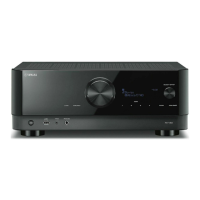
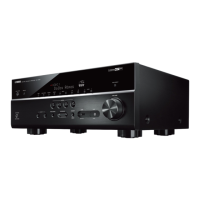
Setting the use of the input selector on the front panel
Selects whether to use SELECT/ENTER on the front panel as the input selector.
Front Display menu
“Settings” > “Function Lock” > “Input Selector Lock”
Settings
Off Enables the input selection operation of SELECT/ENTER on the unit.
On Disables the input selection operation of SELECT/ENTER on the unit.
Related links
“Basic operation of the Front Display menu”(p.281)
286
CONFIGURATIONS > Configuring the unit’s settings by operation of the body front panel (Front Display menu)


 To Next Page