Operating zones
Turning on/off the power of zones
Switch the power of each zone between on and off.
1 Set the zone switch on the remote control to the zone that you want to operate.
2 Press z.
Each time you press the key, you can turn on/off the zone.
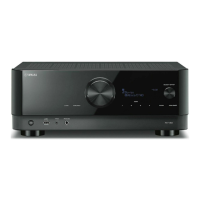
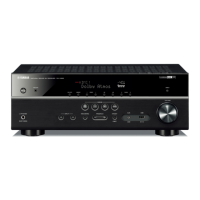
When the zone is turned on, “ZONE” lights up on the front panel.
NOTE
(
If all of the zones are turned off, the unit switches to the standby mode.
(
You can switch the power of the zone in the “Front Display” menu.
Related links
(
“Part names and functions of the front panel”(p.23)
(
“Setting the power of each zone to on/standby”(p.284)
151
ENJOYING IN MULTIPLE ROOMS (ZONES) > Operating zones


 To Next Page