Adjusting the perceived height of dialogue sound
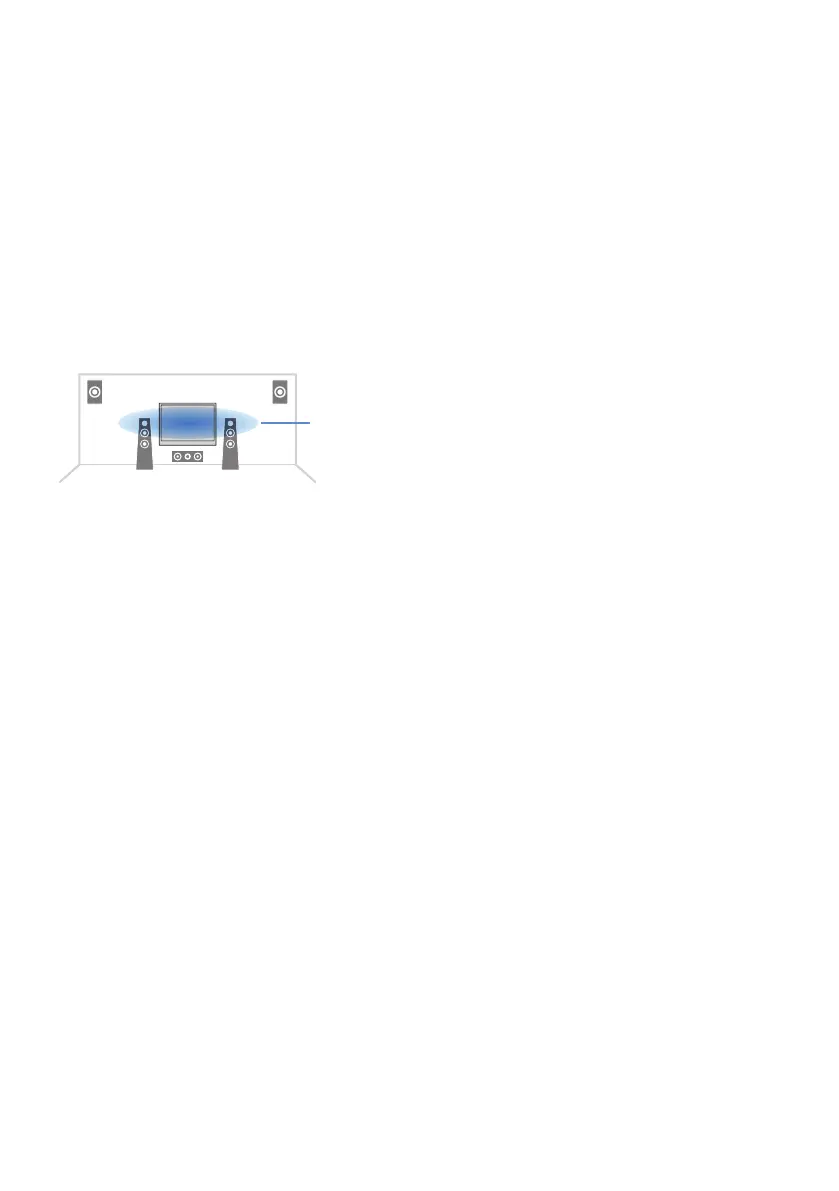
Adjusts the perceived height of dialogue sounds when the position (height) of dialogue sound is artificial.
Bigger setting value gets the higher position.
If the dialogue sounds as if it is coming from below the screen, you can raise its perceived height by
increasing this setting.
Setup menu
“Sound” > “Dialogue” > “Dialogue Lift”
Setting range
0 to 5
NOTE
This setting is available only when one of the following conditions is met.
(
One of the sound programs is selected when front presence speakers are used except for “2ch Stereo”, “All-Channel Stereo”,
“SURROUND DECODE” and “STRAIGHT” in the sound programs.
Related links
“Basic operation of the Setup menu”(p.176)
222
CONFIGURATIONS > Configuring various functions (Setup menu)


 To Next Page