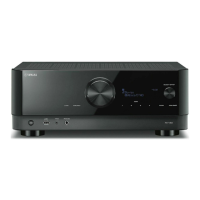
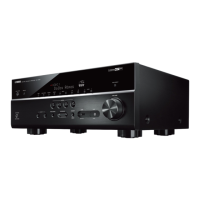
Setting the use of the eco mode
Reduces the unit’s power consumption by setting the eco mode. If this function is set to “On”, be sure to
restart the unit. New setting becomes effective after a restart.
Setup menu
“Function” > “ECO” > “ECO Mode”
Settings
Off Disables the eco mode.
On
Enables the eco mode.
The front display may become dark.
NOTE
If you want to play audio at high volume, set “ECO Mode” to “Off”.
Related links
“Basic operation of the Setup menu”(p.176)
261
CONFIGURATIONS > Configuring various functions (Setup menu)


 To Next Page