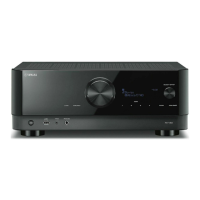
If “Restore Failed” appears on the TV (“Error” on the front display), check the following and start the process
again.
(
Check that the file is stored in the route of the USB flash drive.
NOTE
(
“Restore” is effective after backing up all the settings.
(
Do not turn off the unit during the restoring process. Otherwise, the settings may not be restored correctly.
(
You can also restore all the settings in “Backup/Restore” in the “Front Display” menu.
Related links
“Basic operation of the Setup menu”(p.176)
265
CONFIGURATIONS > Configuring various functions (Setup menu)


 To Next Page