YCO-1127-12-08
PPC-300WP Operation Manual
Packing Function
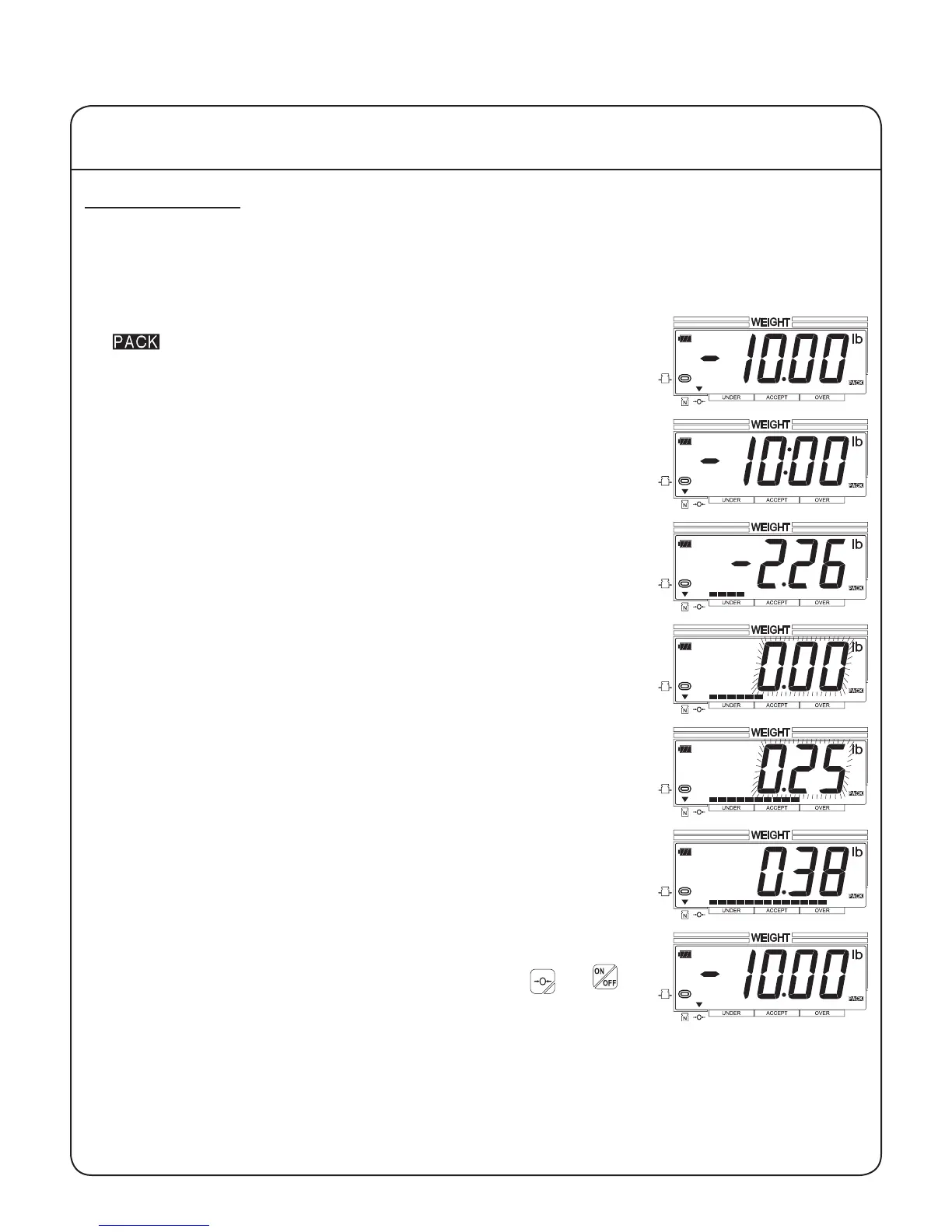
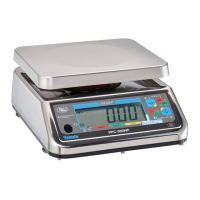
This is an example of how the packing function operates once it has been enabled and setup. The set-
up for this example has a target weight of 10.00 lb and a range of 0.25 lb. Automatic tare is enabled,
and the scale is set to ash when a weight within the acceptable weight range is loaded.
Operation
1. The scale should display the negative value of the target weight. The
, stable and center-of-zero indicators should be displayed.
2. Place the item to be tared on the scale. The scale will automatically
tare this weight off. The net weight indicator should be displayed, and
the center-of-zero indicator should not.
3. Begin loading the scale with the product to be weighed. As the
amount of product increases, the negative weight reading will ap-
proach zero and the length of the bar chart will increase.
4. The weight reading will begin to ash, and the bar chart will enter the
ACCEPT range when the target weight is reached.
5. The weight reading will continue to ash, and the bar chart will remain
in the ACCEPT range through the acceptable weight range.
6. If the acceptable weight range is exceeded, the weight reading will
stop ashing, and the bar chart will enter the OVER range. Remove
enough product to return to the acceptable weight range.
7. When the product weight is in the acceptable range, remove the prod-
uct with the tared item. The scale will automatically clear the tare and
return to the negative target weight reading. Press the and
keys to toggle between the checkweighing function and the normal
weighing mode.
IV Using the Scale
15


 To Next Page