Yanmar
®
600 Control Panel Operation and Troubleshooting
463-3000-09 Initial - 16-May-2008 15
Note
Since Yanmar ECUs use conversion method 4,
any setting of this parameter is acceptable.
Speed Source
There are 3 sources of speed data the display can
decode. The settings for this parameter are
AUTO, NMEA, WHEEL, NAV and OFF. AUTO
prioritizes the sources (highest to lowest); NMEA,
WHEEL (PGN 65265), NAV (PGN 65272). The
selection can be forced to one of the available
sources by selecting it explicitly. Selecting OFF
stops the display listening to any source of speed
data.
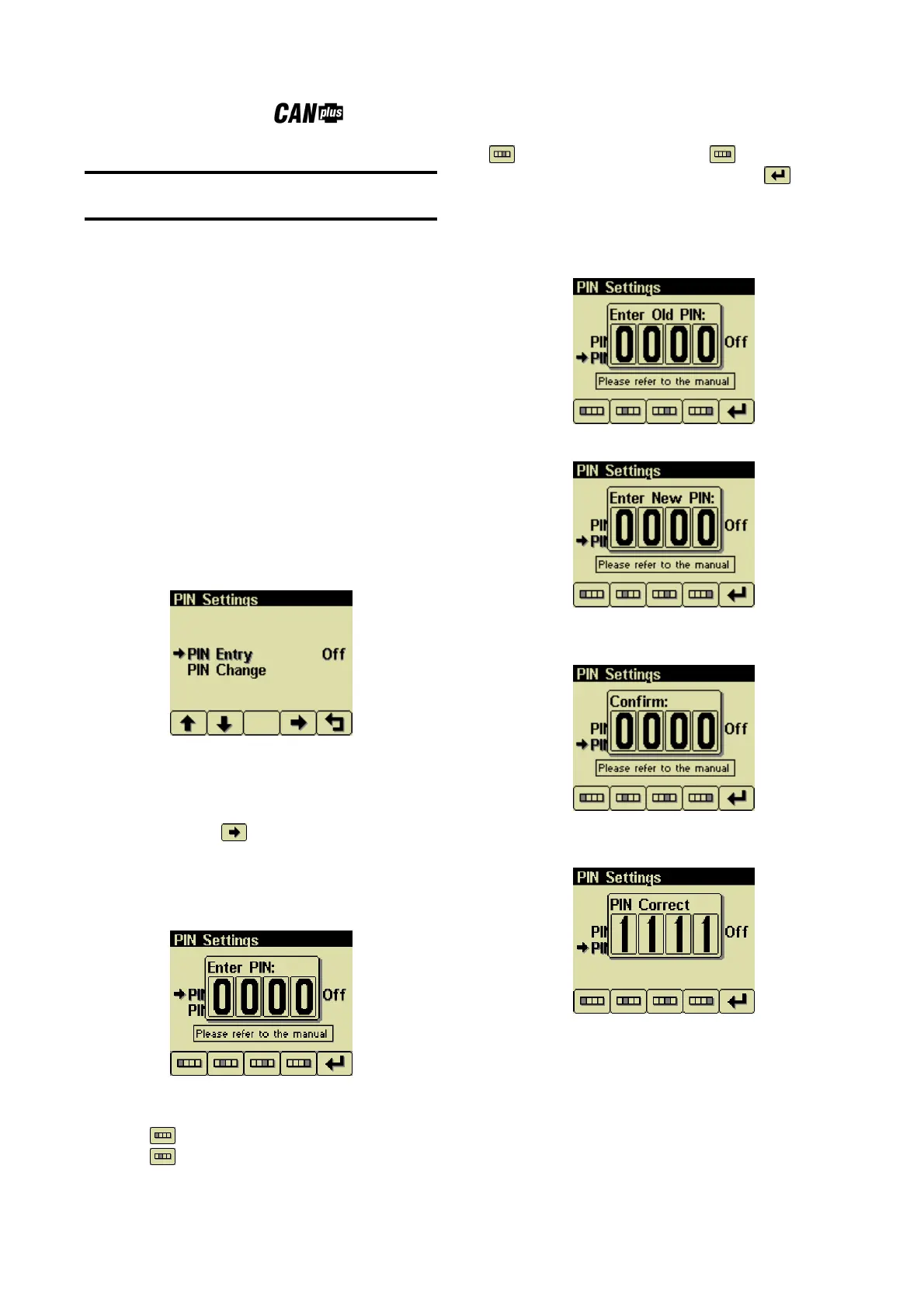
PIN Settings
By default PIN security is disabled. The user is
prompted to enter a PIN every time the
Configuration Menu is accessed after this feature
is enabled.
PIN Entry
This allows turning PIN Entry On or Off. To
enable the PIN entry feature select PIN Settings
and press button 4 to enable. The current pin
must be entered (default is 1111) as a security
feature. Once the PIN has been entered the
feature is enabled. PIN Entry is disabled by setting
PIN Entry to Off.
The digits of the PIN are entered by using the
buttons corresponding to the digits of the PIN.
Button 1 adjusts the first digit of the PIN.
Button 2 adjusts the second digit, button 3
the third digit and button 4 the fourth
digit. The PIN is entered using button 5 .
PIN Change
This allows changing the PIN. The user is
prompted for the current PIN
The user is prompted for the new PIN.
The new PIN must be confirmed before the PIN is
changed.
If the new PINs match a confirmation screen is
displayed.


 To Next Page