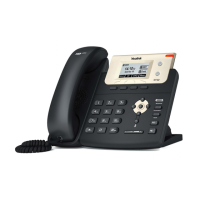
Enterprise IP Phone Getting Started
Configuring via keypad
Network Settings: Press Menu->Settings->Advanced Setting->Network->WAN Port/
PC Port/VLAN to enter the internet relating configuration page.
Account Settings: Press Menu->Settings->Advanced Setting->Account->Enter to
configure the account settings.
You can refer to the above “Configuring via Web Page” for the parameter details.
- 6 -



 To Next Page
 Loading...