9
Introduction
Sensor Guard and Weight Installation (continued)
Figure 6 Sensor guard and weight
installation on a 4-port cable assembly
Sensor Guard Weights
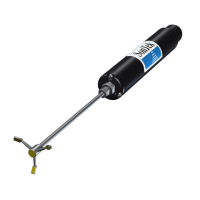
To help stabilize the sensors when profiling at deeper depths, a 1 lb. sensor guard weight is supplied with 4-port
assemblies 10 meters and longer. To attach the weight, carefully hand-tighten it clockwise on to the bottom of the
sensor guard (Figure 6). If any resistance is felt, loosen the sensor guard weight completely to prevent cross-threading.
The bottom of the weight is threaded so that additional weights can be added if needed. YSI recommends installing
no more than 5 lbs of weight on ProDIGITAL cables. See Accessories.
NOTE: Do not have any weights installed on the sensor guard when calibrating using the calibration cup.
1 Depth sensor (if equipped)
2 Bulkhead threads
3 Bulkhead
4 Sensor guard
5 Weight
2
4
3
1
5


 To Next Page