26
3.2 Buttons and Indicators Description
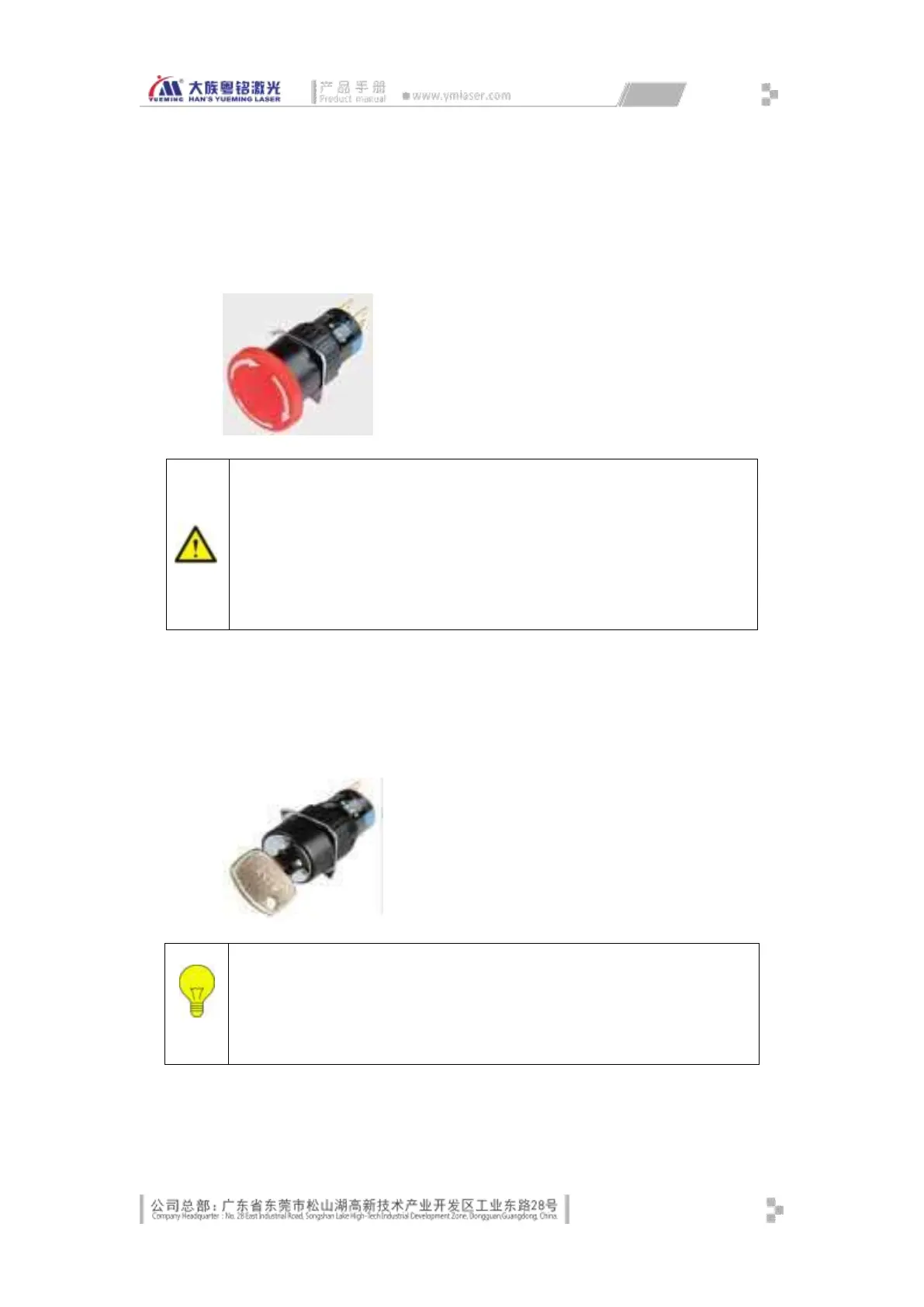
Emergency stop button
Emergency stop button is mounted in the first hole on the control panel. When there is an
emergency, press this button, the system will stop marking processing and light emission.
Key switch (main power)
Key switch is mounted in the second hole on the control panel. When the key switch is
rotated 90 degrees clockwise, the main loop powers on, when the key switch is rotated 90
degrees counterclockwise, the main loop powers off.
Self-locking illuminated button (galvanometer)
Press the emergency stop button, the system will only prohibit scanning
galvanometer marking and laser light emission, and the main circuit and control
circuit won’t be turned off. To cut off the power of the machine where necessary,
turn off the main power switch off and unplug the power cord.
Release the emergency stop button and continue to operate the machine only
when emergency situations have been eliminated and all defects have been
corrected or repaired.
Only when the key switch is turned on, the galvanometer and the laser
will power on and work; the cooling fan will energize and dissipate heat.
The power of the computer and the monitor is not controlled by this key
switch.



 To Next Page