28
Deva 5.8 and Deva 16 Owner’s Manual
Chapter 3
Setting the Pre-Record Time
From the point the Deva is powered on, it is always processing data. Any sound coming in from any input is
always being processed. When Pre-Record Time is enabled the buffered sound is placed at the beginning of
the segment.
o Range: 0 - 10 Seconds
Main Menu > Deva Setup > Pre-Record Time
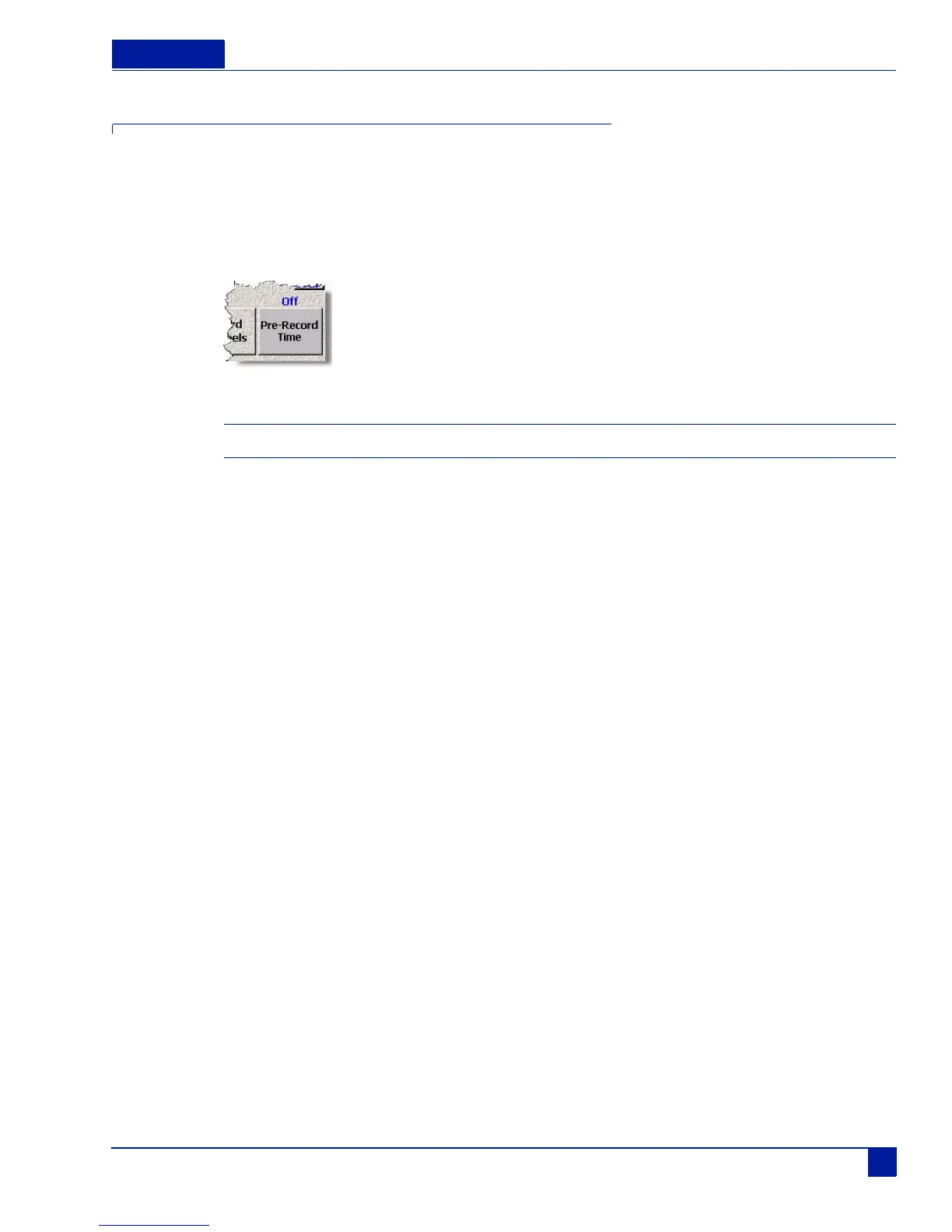
Figure 25 Pre-Record Time Button
Important: In order to use the Pre-Record Time, you must use a sample rate of 48.08 kHz or lower.
To enable Pre-Record Time, perform the following:
1. Press the Deva Setup button on the Main Menu screen.
The Deva Setup Screen appears.
2. Press the Pre-Record Time.
Each time you press the button, the time is increased one second from Off (0) to the maximum of 10
seconds. The amount of prerecord time is shown in blue just above the Pre-Record Time button.
The Pre-record buffer is discarded after any of the following settings are changed:
o Sample Rate Reference
o Sample Rate
o Timecode
o Userbits
o Frame Rate



 To Next Page