62
Deva 5.8 and Deva 16 Owner’s Manual
Chapter 5
METERS
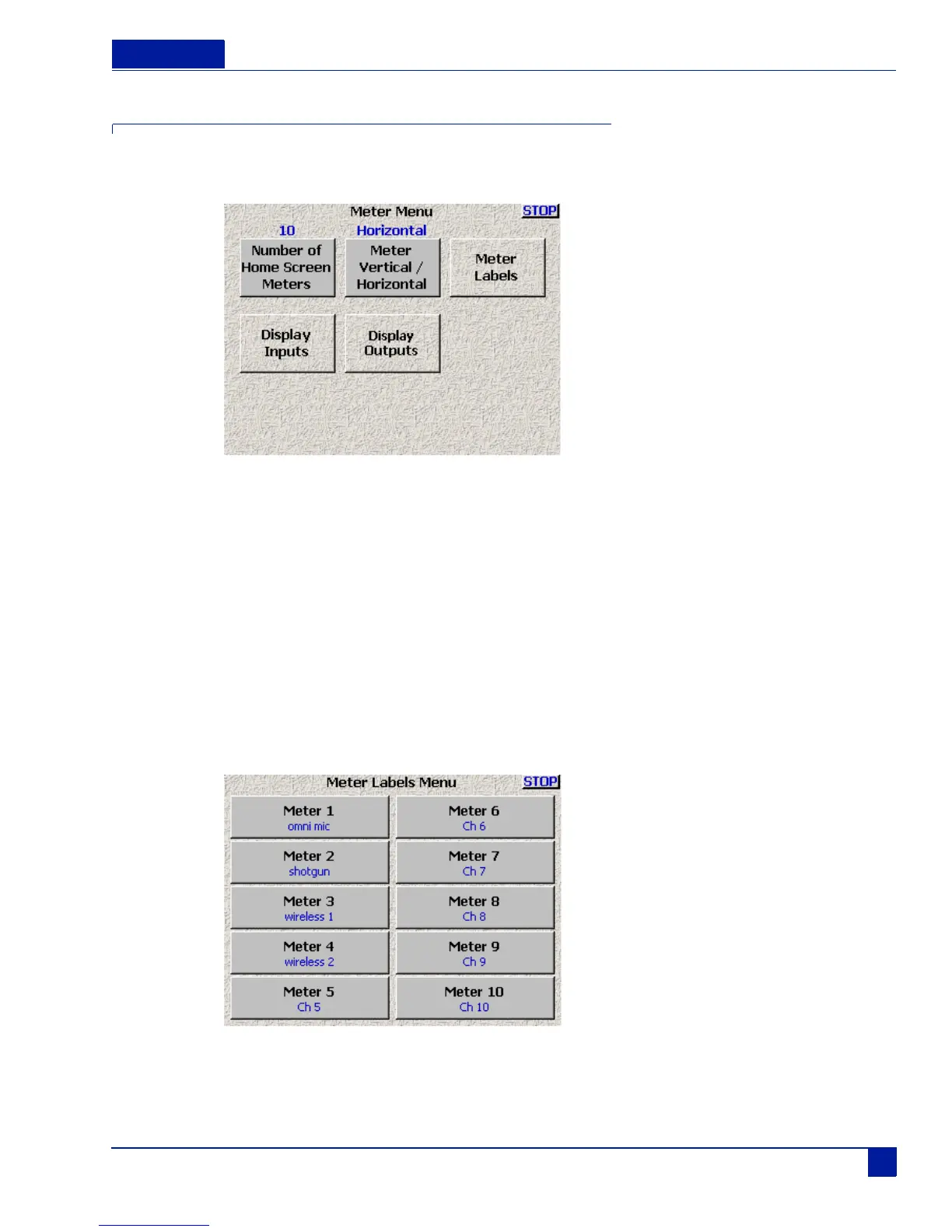
The Meters screen provides the options for metering. This includes how many meters are shown on the
home screen, the orientation of the meters, and their size.
Figure 18 Meters Screen
Display # of Home screen Meters.
Toggles from 4 through 10, allowing you to select the number of meters to be displayed on any of the home
screens
Meter Vertical / Horizontal
Toggles between the following meter display formats: Vertical, Horizontal, Big Horizontal, Big Vertical.
Meter Labels
Opens a window that allows you to enter text on any of the selected meters.
Figure 19 Labels Menu



 To Next Page