32
Deva 5.8 and Deva 16 Owner’s Manual
Chapter 3
Changing the Appearance of the Meters
There are several adjustments that can be made to the Deva meters, including brightness of meters, and
meter orientation on the home screen.
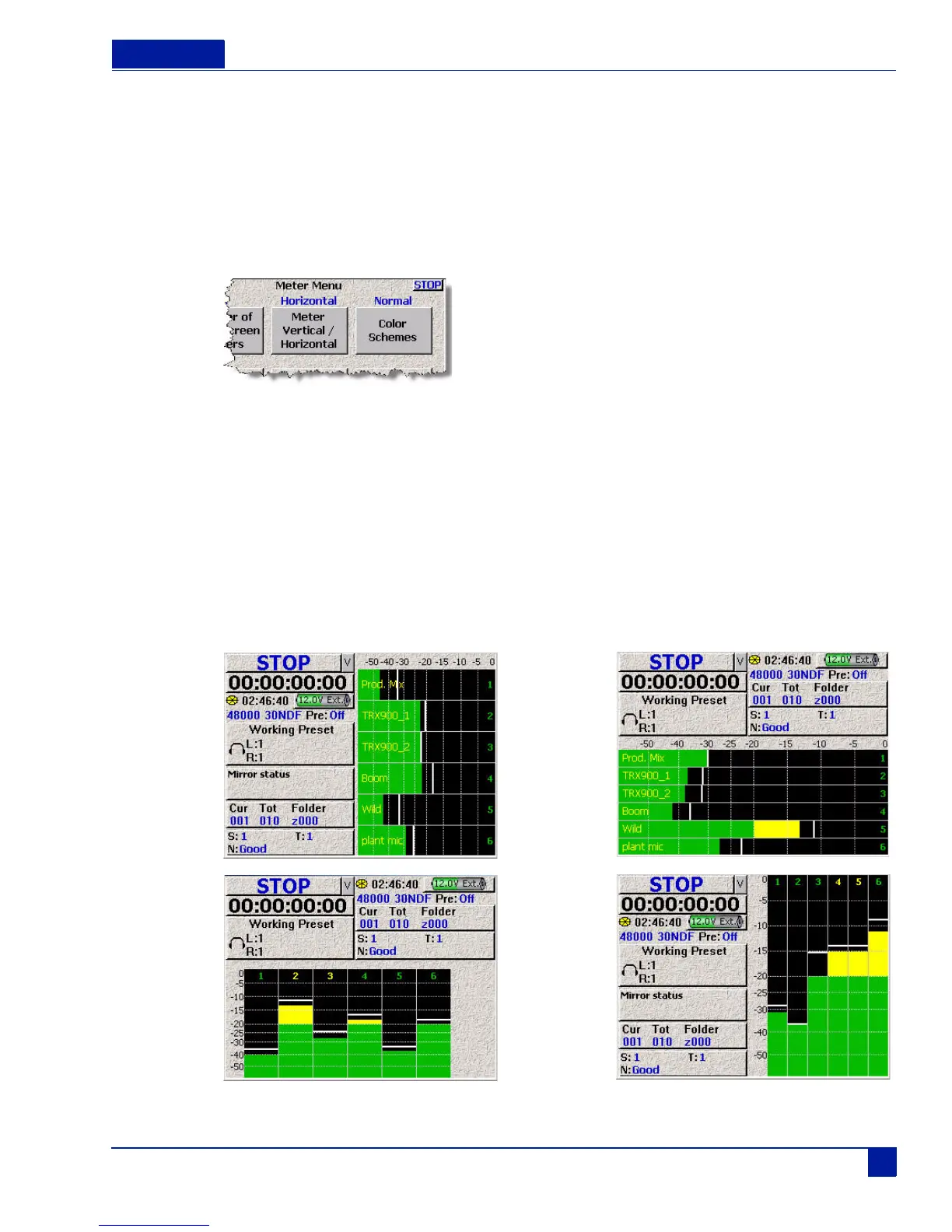
Meter Display Options: Vertical, Horizontal, Big Vertical, Big Horizontal
Meter Color Schemes: Normal, Black & White, Bright
Main Menu > Deva Setup > Meters
Figure 32 Meter Menu
To set the set the meter orientation, or color scheme of the meters, perform the following:
1. Press the Deva Setup button on the Main Menu screen.
The Deva Setup Screen appears.
2. Press the Meters button
The Meters Menu screen appears.
3. Press Meter Vertical/Horizontal or Color Schemes to change the meters appearance on the home
screen.
The current setting of the meter is shown in blue above the button. Continue pressing the button until
the correct setting appears.
Figure 33 Meter Types
Horizontal
Big
Horizontal
Vertical Big
Vertical



 To Next Page