30
Deva 5.8 and Deva 16 Owner’s Manual
Chapter 3
Enabling Tone
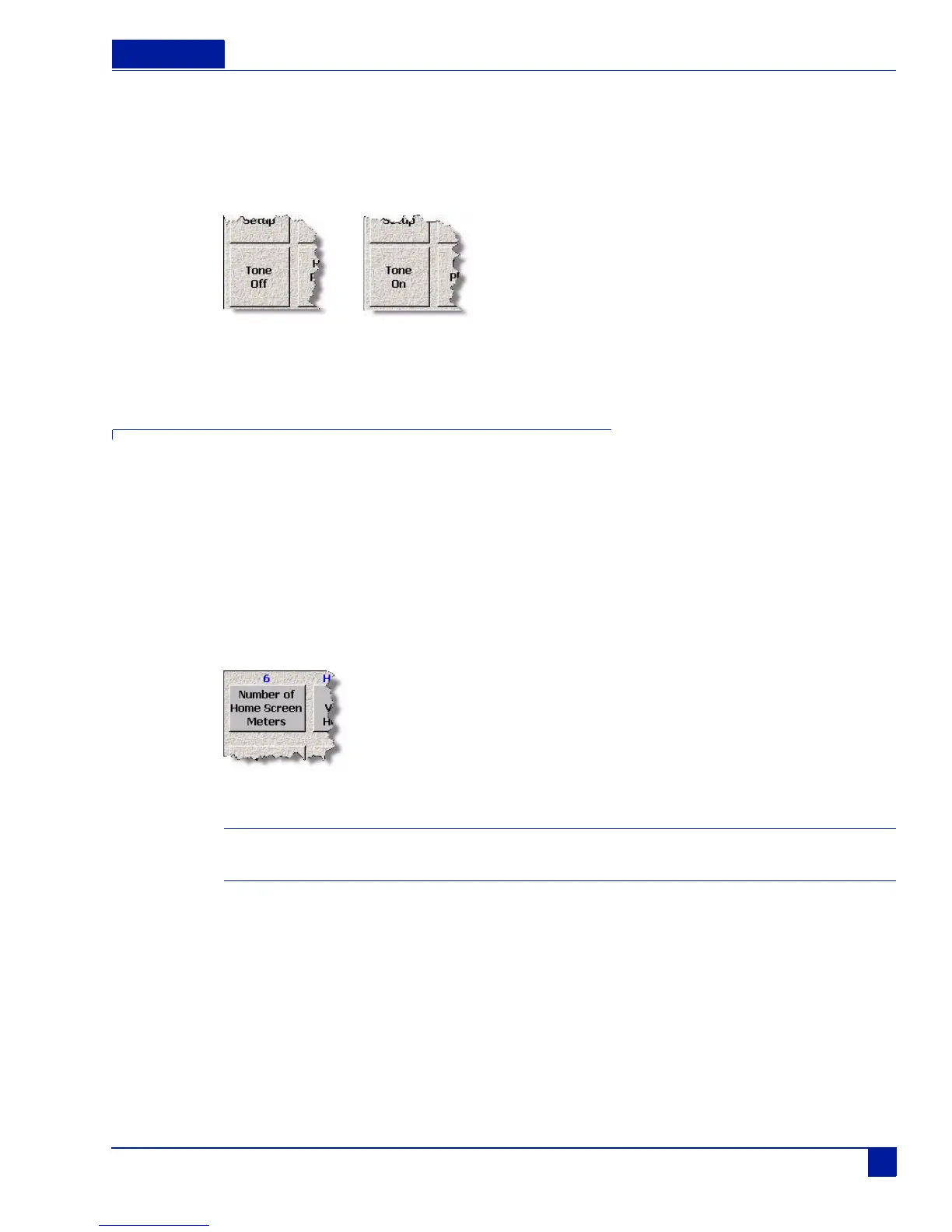
Tone is enabled from the main menu by pressing the tone button. It is placed on those tracks and channels
previously selected.
Main Menu
Figure 28 Tone Button disabled (off) and enabled (on)
Home Screen Meters
You can have up to 16 meters displayed on the home screen. Each of these meters can be labeled and the
label information stored in the metadata of the audio file.
Setting the Number of Meters
Range: 4 to 16 (Deva 16), 4 - 10 (Deva 5.8)
You can have up to 16 meters shown on your home screen. Any track meter shown on the home screen
that is not being recorded on, displays with a line through it.
Main Menu > Deva Setup > Meters > Number of Home Screen Meters
Figure 29 Home Screen Meter Button
Important: Make sure to have at least the same number of channels displayed on the home screen as you are
recording. It is possible, to record and mix tracks which will have no meter shown on the home screen.
To set the set the number of meters, perform the following:
1. Press the Deva Setup button on the Main Menu screen.
The Deva Setup Screen appears.
2. Press the Meters button
The Meters Menu screen appears.
3. Press Number of Home Screen Meters to change the number of meters that appear on the home
screen.
The number of channels that appear on the home screen changes and is shown in blue above the
button. Continue pressing the button until the correct number of tracks appears.
Tone Off
To n e On



 To Next Page