80
Deva 5.8 and Deva 16 Owner’s Manual
Chapter 5
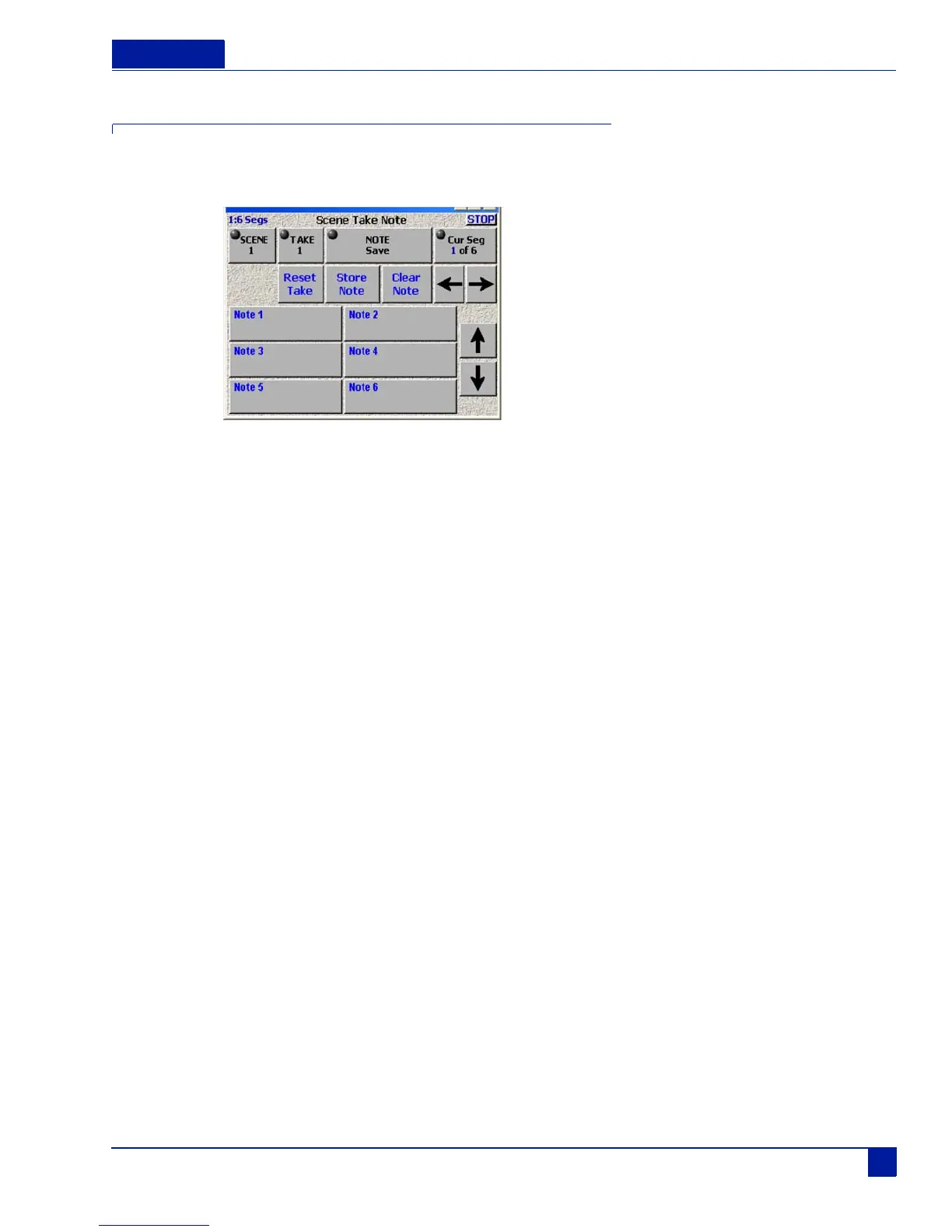
Scene Take Note
This menu opens up the Meta-Data entry windows. It can also be accessed using the STN button on the
Front Panel.
Figure 38 Scene Take Note Screen
Scene
Opens the Data Entry screen. Select the SEGMENT # and touch the SCENE button. Enter the information
on the keypad and press Ent. The TAKE # auto increments when you press the Record button. If there is a
false start you can press the False Start button on the front panel (F3). This deletes the previous take# and
take.
Inc Scene
Increments the scene number by one.
Take
Use Take to enter the take number. It opens up an ENTER TAKE window. Use the Deva number pad or the
pop-up alpha-numeric display to enter your take #.
Reset Take
Resets the take number to 1.
Note
Open the alpha/numeric data entry screen. You can enter any note up to 16 characters in length.



 To Next Page