Deva 5.8 and Deva 16 Owner’s Manual
Chapter 5
63
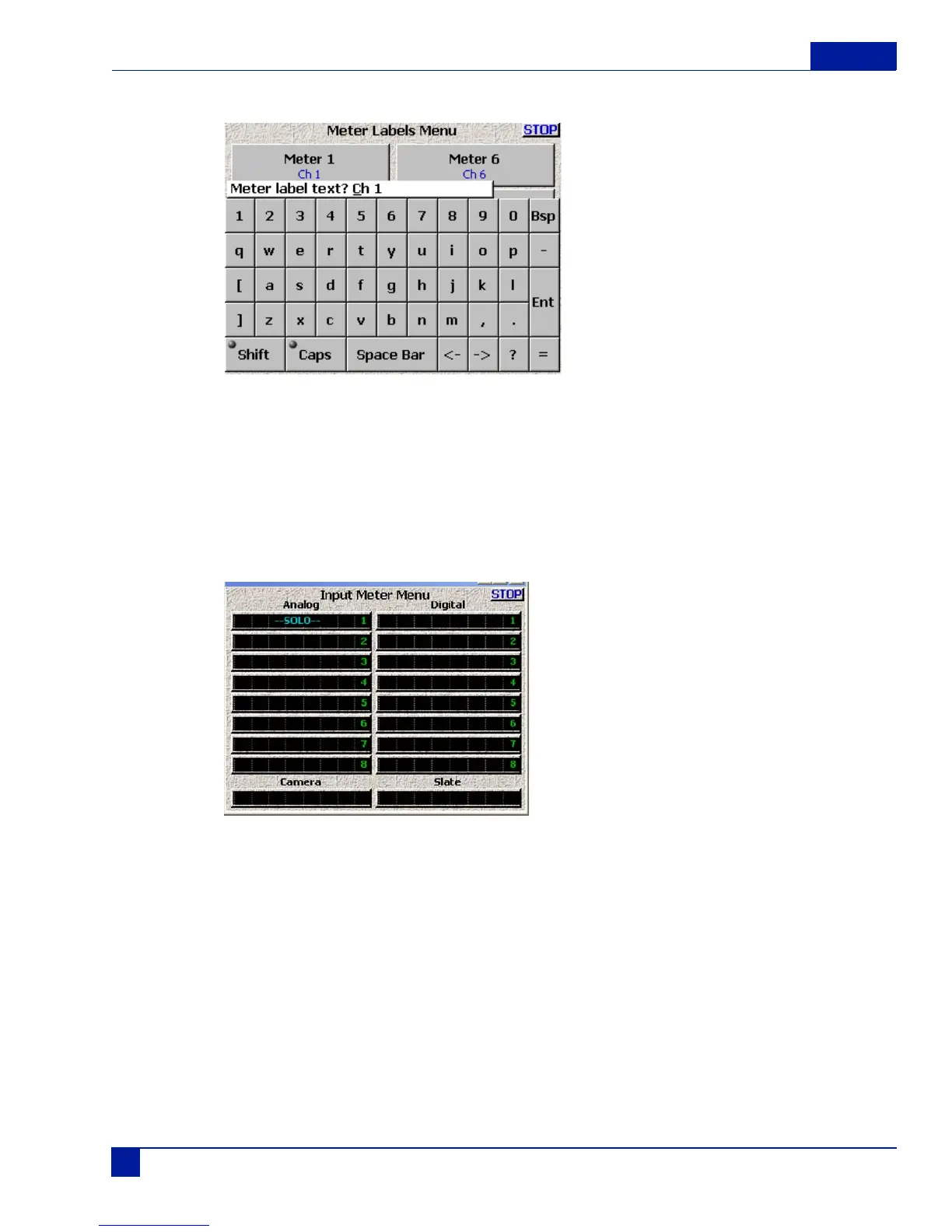
Selecting any button opens the following window:
Figure 20 Meter Label Menu
Enter the text using your finger or a stylus. Touching SHIFT capitalizes the first letter than reverts to lower
case. Selecting ENT Enters the text on the selected meter.
Display Inputs
Shows all the Deva's inputs, including 8 Analog ins, 8 Digital ins, 1 Camera return input and the internal
Slate Mic.
Figure 21 Input Meter Menu
Any of these inputs can be SOLO'd in the headphones by selecting its meter display. Selecting it again turns
off the SOLO feature.



 To Next Page