Deva 5.8 and Deva 16 Owner’s Manual
Chapter 5
59
Operating Mode
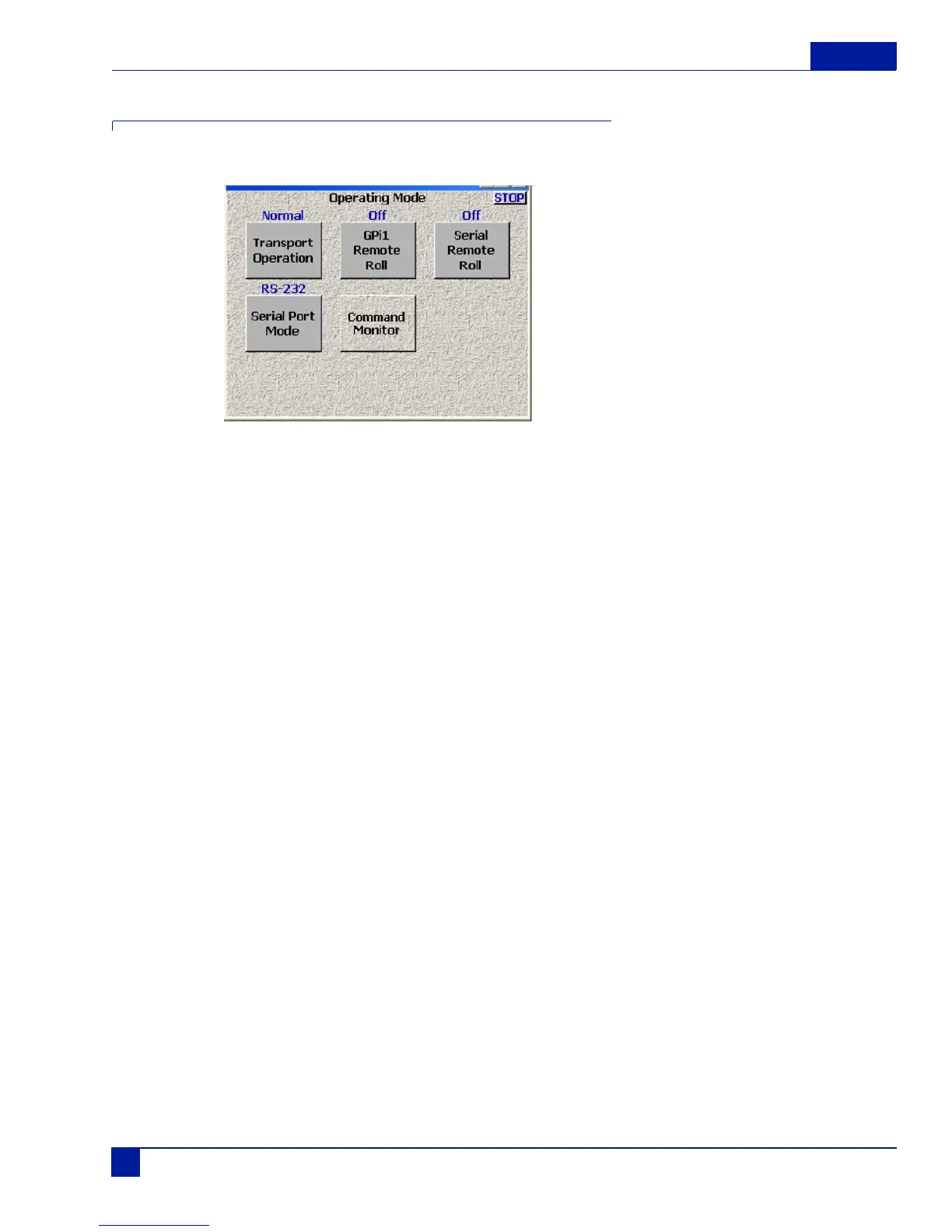
This button opens up the Operating Mode Main screen.
Figure 15 Operating Mode Main Screen
Transport Operation
This button toggles through three transport options; normal, T.C. Chase, and Auto-load.
Normal
All functions are controlled by the main transport buttons.
T.C. Chase
In playback mode, Deva chases external time code.
Auto-Load
Deva transport controls are locked to an external recorder such as an HD camera. When the camera goes
into record, The Deva also goes into the Record mode
GPI Remote Roll
Enables external transport control using a contact closure switch. This button toggles through the three
options; off, Rising Edge, and Falling Edge.
OFF
Normal Deva Operating mode.
Rising Edge
Places the Deva into record when the contact is open.
Falling Edge
Places the Deva into record when the contact is closed.



 To Next Page