Installation
000000-1865-713-GA-en-US-080622
2. To start the installation routine of the software update, click the Update
button of the Program tab in the Settings menu.
3. Follow the instructions on the screen until prompted to reboot.
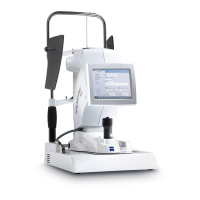
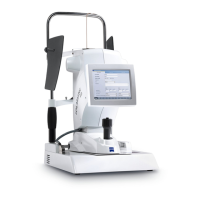
4. Remove the USB flash drive. When the New patient tab reappears in the
Patient manager after the IOLMaster has been rebooted, the software
update installation is complete.





 To Next Page