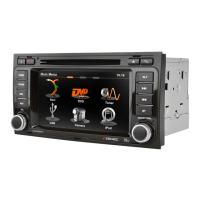
47 Rev.A
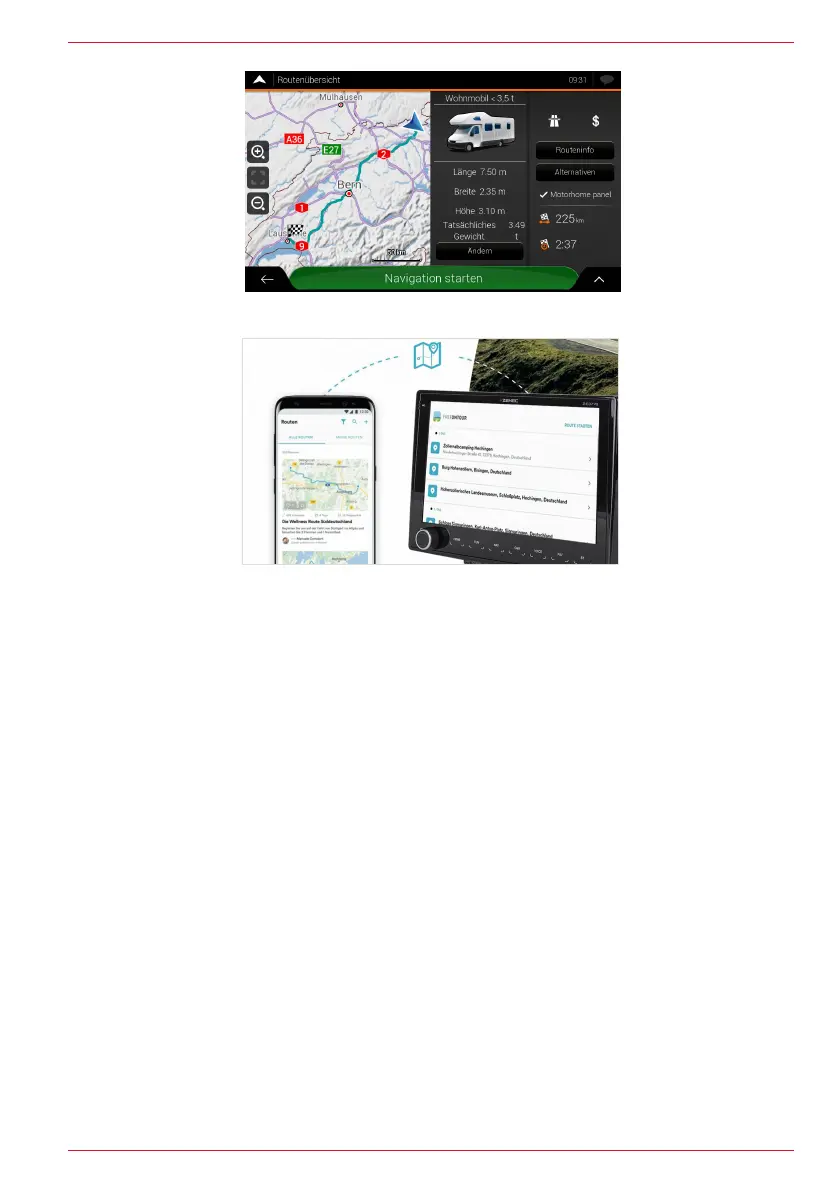
Special ZENEC motorhome function
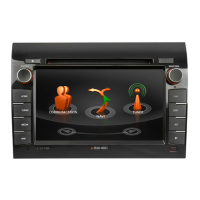
FREEONTOUR – Send-To-Car Integration
START-UP OF THE NAVIGATION SOFTWARE
Software installation
The Zenec device (Z-E3776) must be prepared by installing some software before you can use the
Z-E3776 navigation software on the micro SD card.
a. Insert the micro SD card of the navigation software bundle into the side card slot on the rear of the
TFT screen on the device. Switch on the device.
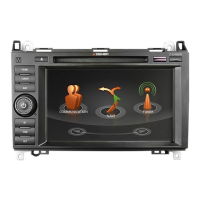
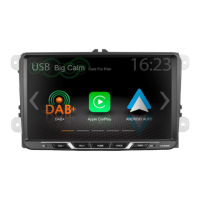
b. Tap on the main field of the navigation widget (Figure 1) or in the app overview on the navigation
source symbol (Figure 2) in the main menu (HOME Widget display) to start the installation
process.


 To Next Page