50 Rev.A
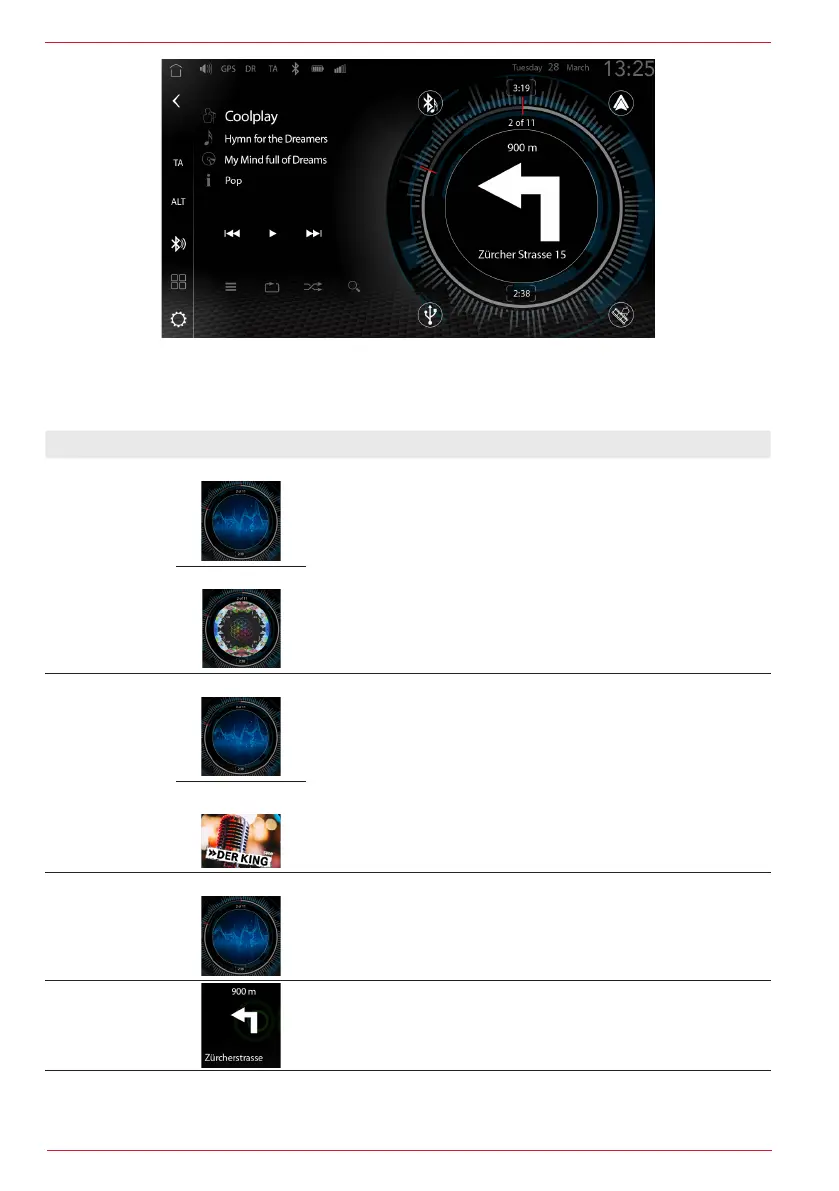
If you tap in the vicinity of the Album Cover Art or Tuner MOT Slideshow, the Navigation split screen
can be activated or deactivated in order to display the turn-off instructions on the split screen during
active navigation.
Function Area Operation
Media Player
Album Art /
Cover
ZENEC placeholder:
Tap to activate the Navigation split screen
in the Media Player.
Cover Art example:
DAB Radio
ZENEC placeholder:
Tap to activate the Navigation split screen in the DAB Radio.
MOT Slideshow
Example:
FM Radio
ZENEC placeholder:
Tap to activate the Navigation split screen in the FM Radio.
Navigation-
Split-Screen
(NAVI turn
information)
Display of turn-off instructions of active route guidance in the
split screen display.
Tap to deactivate the Navigation split screen.
The following information is displayed during active navigation:


 To Next Page