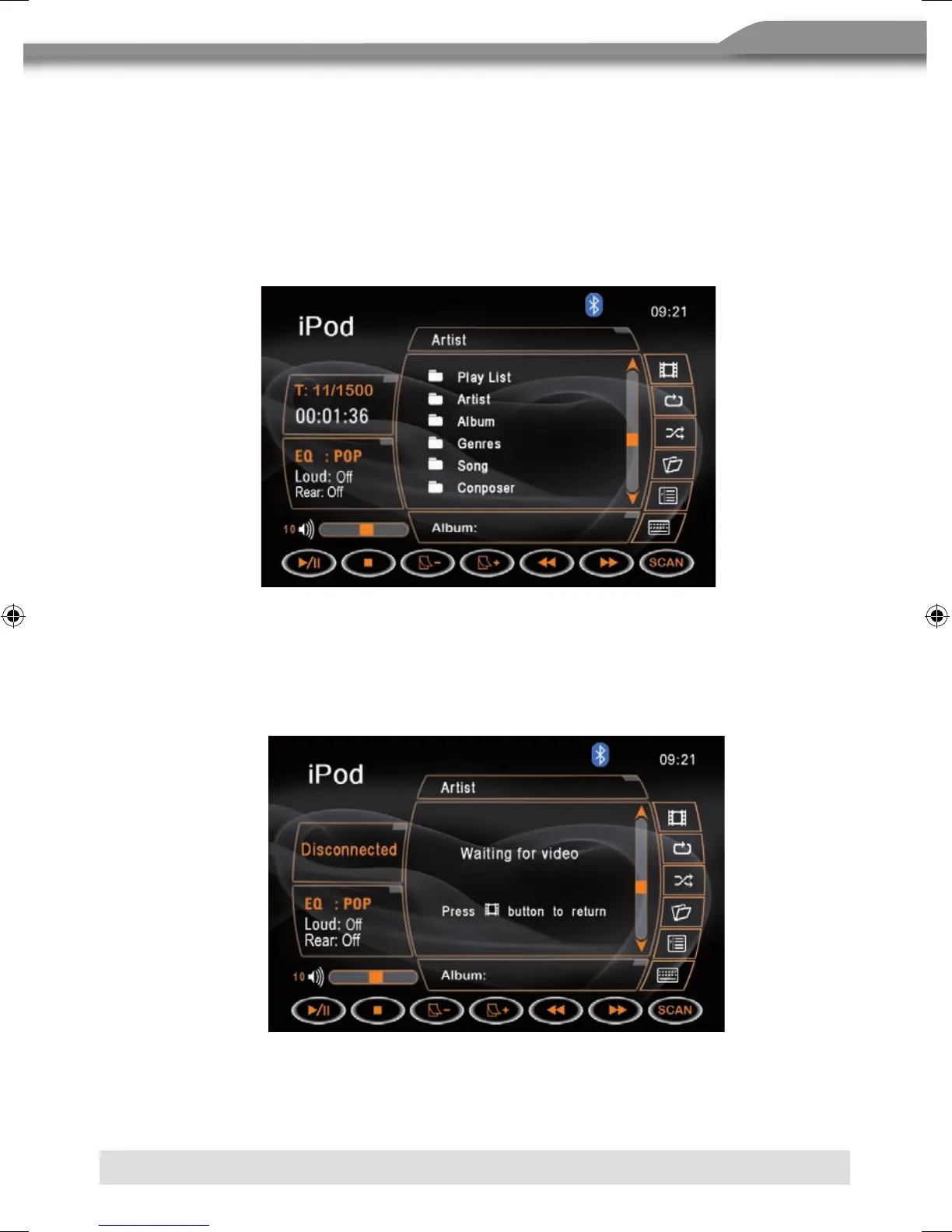
20. System EQ setting.
21. Loud setting indicator.
22. Rear setting.
23.
WVolume indicator.
MAIN MENU
■ Press the
d icon to enter the MAIN menu.
iPod VIDEO PLAYBACK
■ Press the c icon to play back videos, which are stored on the iPod.
NOTE:
■ It is nessesary to activate the video output of the iPod.
■ If there are videos on the iPod, you have to select them on iPod, otherwise there will be no
picture on the display. However, you can return to the MAIN menu by pressing the
c icon
again.



 To Next Page