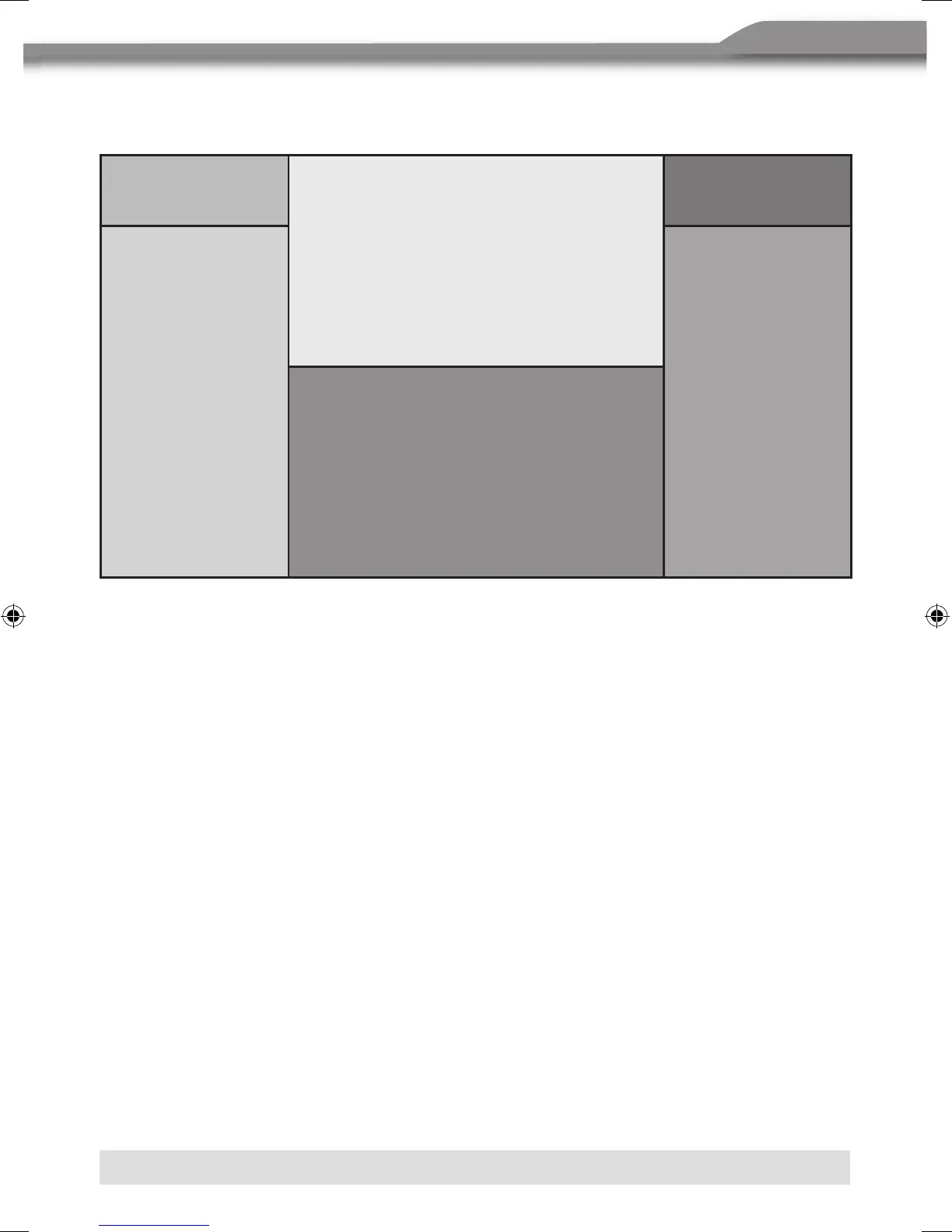
THE KEY AREAS OF TOUCH SCREEN
The touch key areas are outlined below, for DVD, VCD, playback mode and so on.
Area A
Area B
Area F
Area C Area D
Area E
Area A:
■ Return to MAIN MENU.
Area B:
■ Display playing information.
Area C:
■ Select the previous chapter.
Area D:
■ Select the next chapter.
Area E:
■ Display the on-screen controls, and different mode displays different menu.
Area F:
■ On DVD/VCD mode, display the GOTO search menu on the screen directly.



 To Next Page