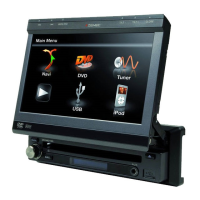
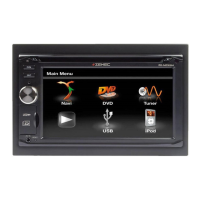
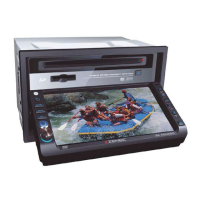
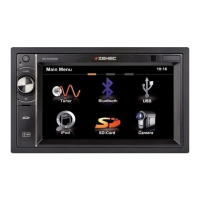
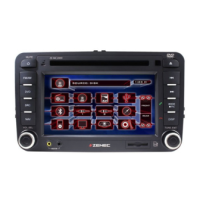
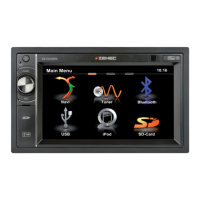
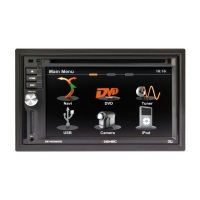
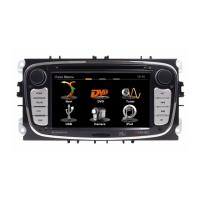
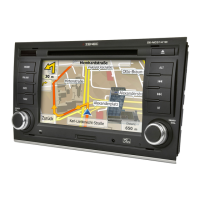
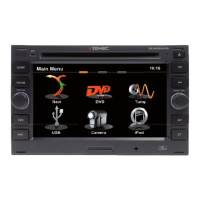
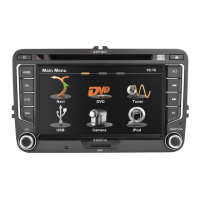
15. TFT display
16. Disc slot
17. Remote control signal receiver
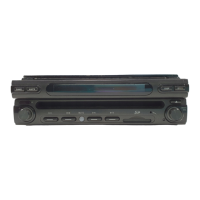
18. OPEN
■ Press the OPEN button to activate the automatic mechanical system and move the
TFT monitor into the viewing position.
■ Press it again to close the TFT monitor.
19. DISP
■ Press the DISP button to display system information on the LCD screen.
20. LCD DISPLAY
21. AS/PS (Auto store/program scan)
■ Press the AS/PS button to auto store strong radio stations in the 6 preset channels of
the current band.
■ Press and hold it to start to scan radio station.
22. BAND
■ Press the FM/AM button to switch between FM and AM.
23. Disc indicator light
■ It is white when there is no disc in the slot, otherwise, it is red.


 To Next Page