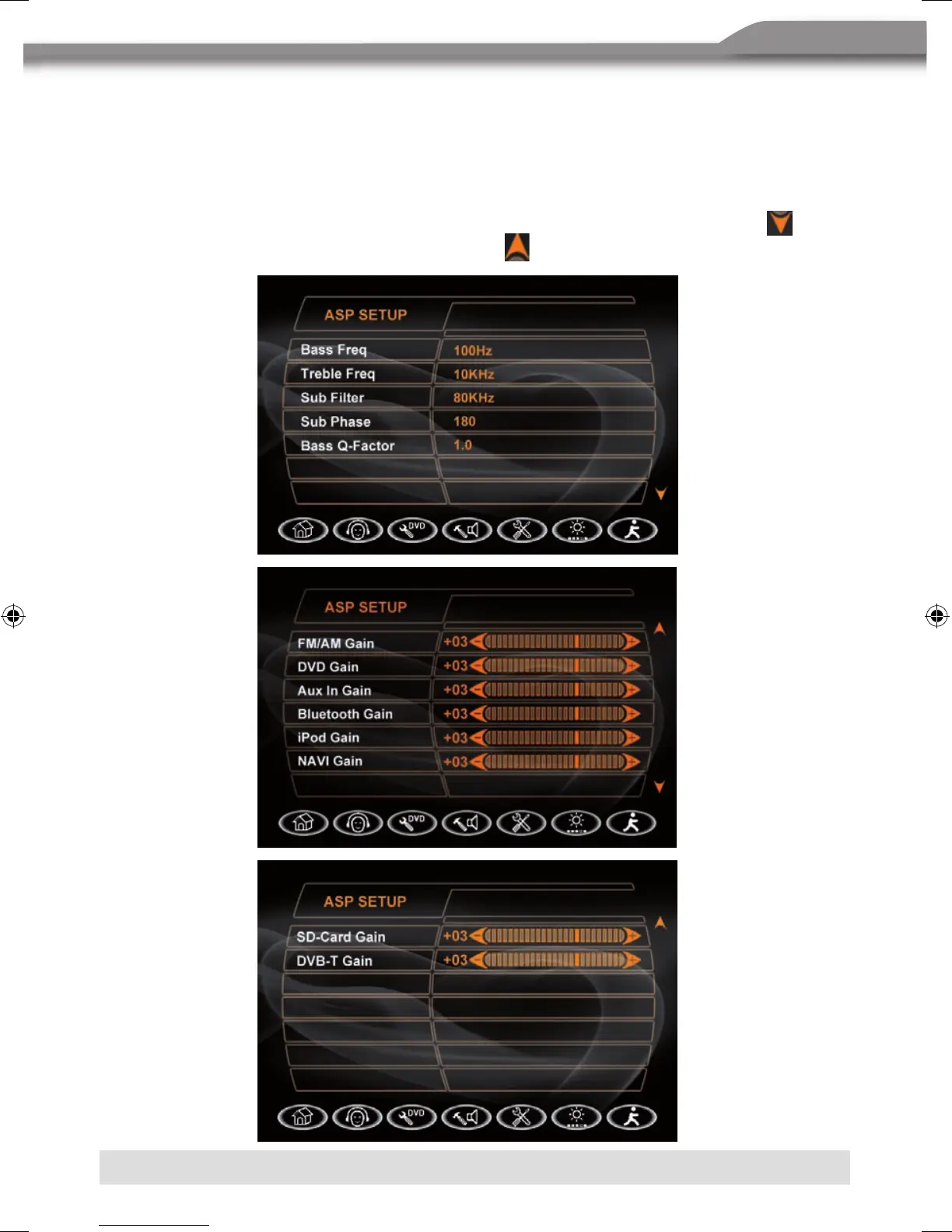
ASP (AUDIO SIGNAL PROCESSING) SETUP MENU
The ASP configuration menu allows you to make some fine audio adjustments.
Accessing the ASP SETUP menu
■
Press the [MENU] button on the remote control to access the MAIN menu.
■ Select the U button to access the ASP setup.
■ A menu appears with the option for the first item, and then you can touch the
button
to the option on the next page and press the
button to return.



 To Next Page