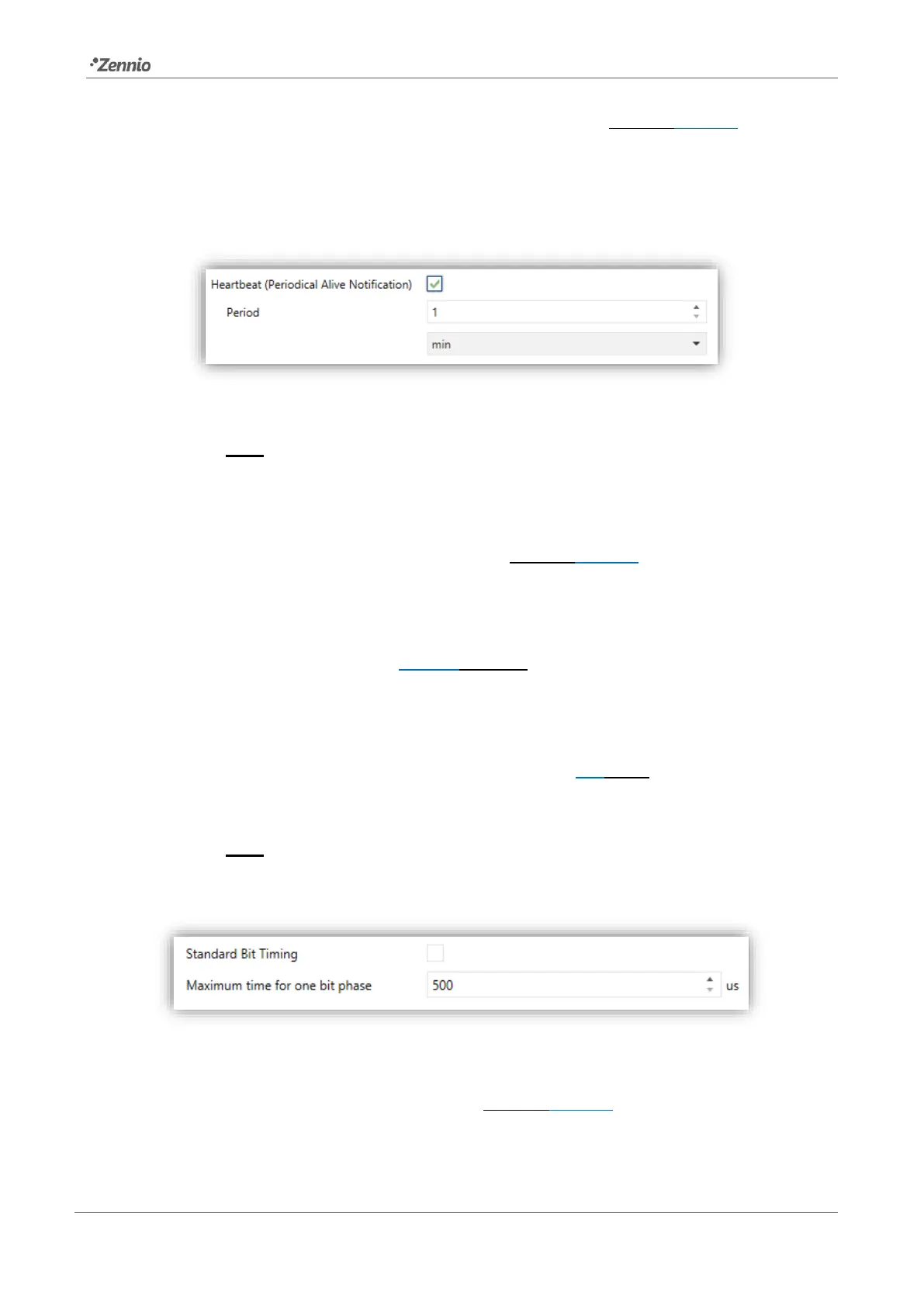
➢ Heartbeat (Periodical Alive Notification) [enabled/disabled]: this
parameter lets the integrator incorporate a one-bit object to the project
(“[Heartbeat] Object to Send ‘1’”) that will be sent periodically with a value
of “1” to notify that the device is still working (still alive).
Figure 3. Heartbeat.
Note: The first sending after download or bus failure takes place with a delay
of up to 255 seconds, to prevent bus overload. The following sendings
match the period set.
➢ Detect Collisions after Download [enabled/disabled]. Regardless of the
value of this parameter, this function can be activated or deactivated by
object “Collisions Detection”, which is always visible.
➢ Standard bit timing [enabled/disabled]: allows enabling or disabling the
manual configuration of the bit detection time. The standard value set by
default is 500 μs.
• Maximum time for one-bit phase [500…650]: sets the new
threshold value.
Note: preserving the standard threshold is highly encouraged, unless
intending to connect very specific ballasts that may require modifying it.
Figure 4. Standard Bit Timing.
➢ Manual Control Lock Object [enabled/disabled]: when enabled, 1-bit
object “Manual Control Lock Object” turns visible, as well as two more
parameters:



 To Next Page