2.8.7 SCENE CONTROL
This submenu allows manually controlling the scene execution and saving. Scene
saving will only be possible in case it has been enabled in parameters (section 2.6).
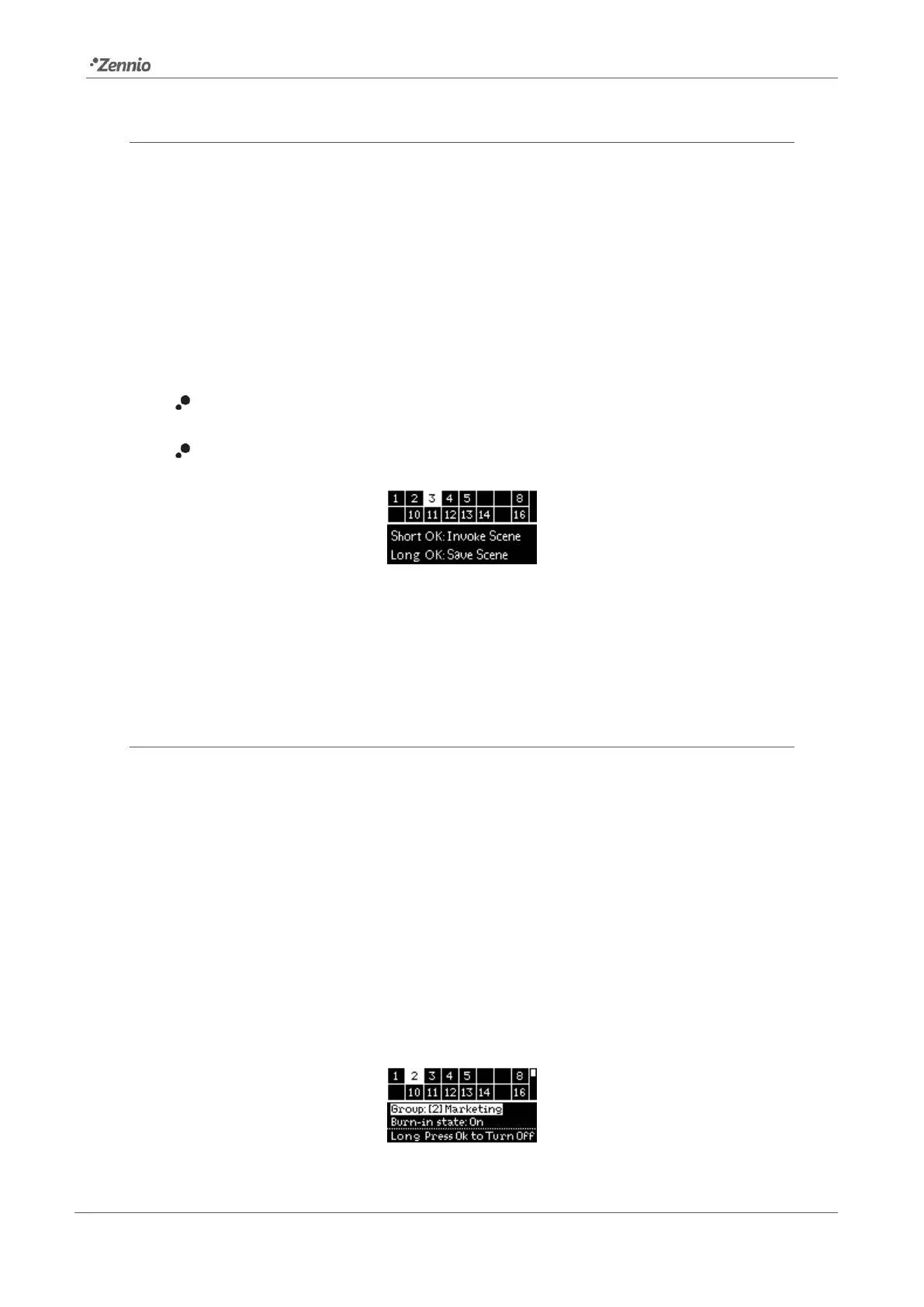
After entering this submenu, a table with the 16 available scenes is shown. Please make
use of ◄, ►, ▼ and ▲ to browse through them. Note that empty cells correspond to
scenes that have not been enabled.
The lower section shows the instructions on how to run or save the scene:
To run the selected scene, please short-press on OK.
Tu save the selected scene, please long-press on OK.
Figure 42. Scene Control
After running or saving a scene, a confirmation text will be shown (respectively, “Scene
N invoked” or “Scene N saved”).
2.8.8 BURN-IN CONTROL
This submenu allows checking the burn-in mode status (see section 2.5.10.2) of each
group, as well as activating or deactivating this mode. This may be a requirement of
some lamps prior to testing them.
After entering this submenu, the upper section of the display will show a group selection
table analogous to that in the manual control submenu (see section 2.8.6). On the other
side, the lower section will show the number, the name and the burn-in mode status of
the selected group, together with the instructions to activate or deactivate this mode
(long press on OK to activate it or, if already active, long press on OK to deactivate
it).
Figure 43. Burn-in Control



 To Next Page