2.6 SCENES
2.6.1 CONFIGURATION
This feature allows defining different scenes (i.e., specific ambiances or dimming
sequences), which can be activated by sending the corresponding trigger values to a
one-byte object.
DALIBOX Interface 64/32 offers up to 32 configurable scenes which can be assigned to
the different enabled groups.
ETS PARAMETERISATION
Once this function has been enabled, the following object will show in ETS:
“Scene Control” (one byte): will execute or save the scene whose number is
received through the object.
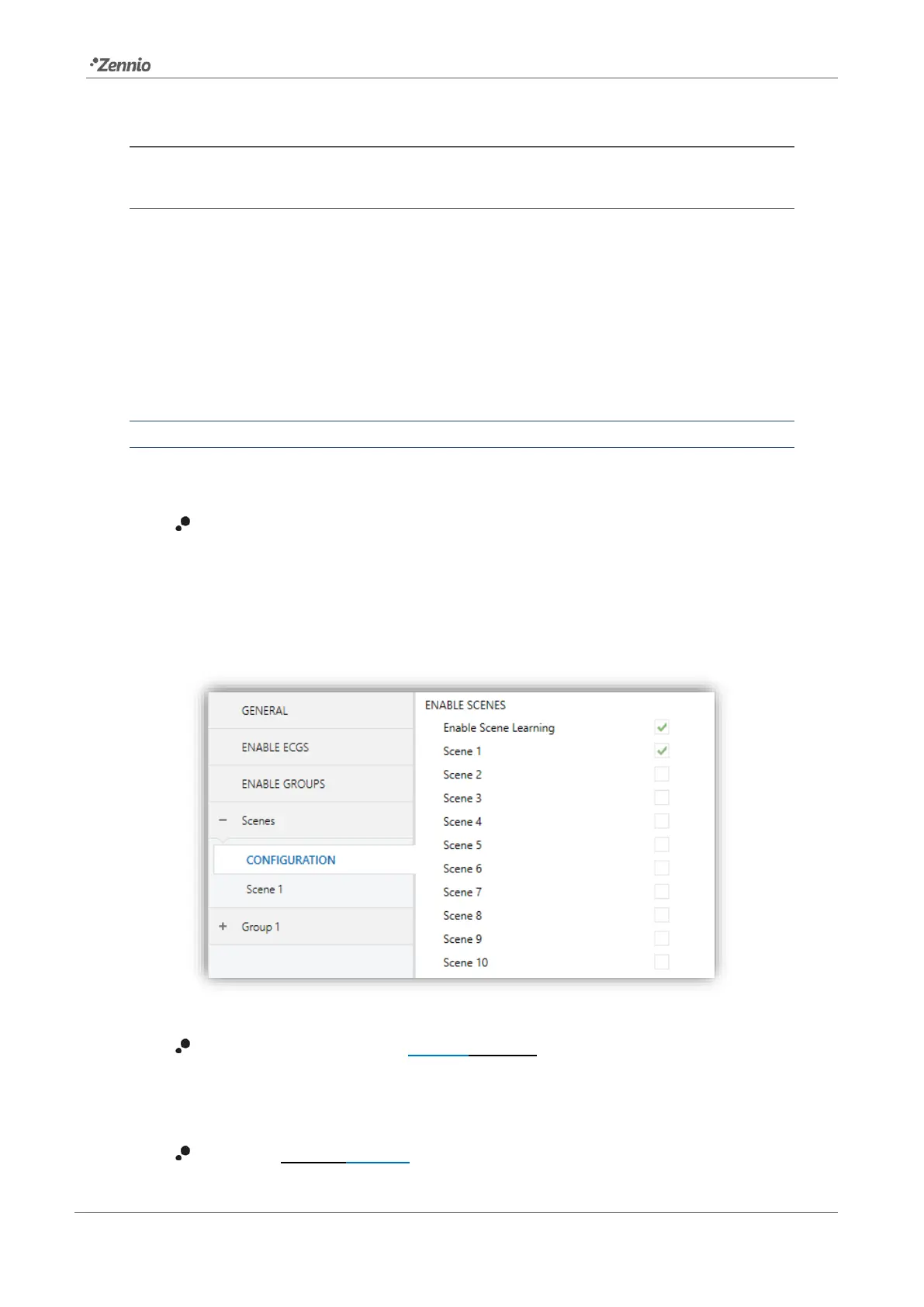
The “Scenes” tab in ETS, on its side, contains a sub-tab named “Configuration”, which
shows the following parameters:
Figure 26. Configuration
Enable Scene Learning [enabled/disabled]: enables the possibility of over-
writing a certain scene when the appropriate value is received from the bus
through the aforementioned object.
Scene N [enabled/disabled]: enables scene number N (1 to 32).



 To Next Page