2.3 INPUTS
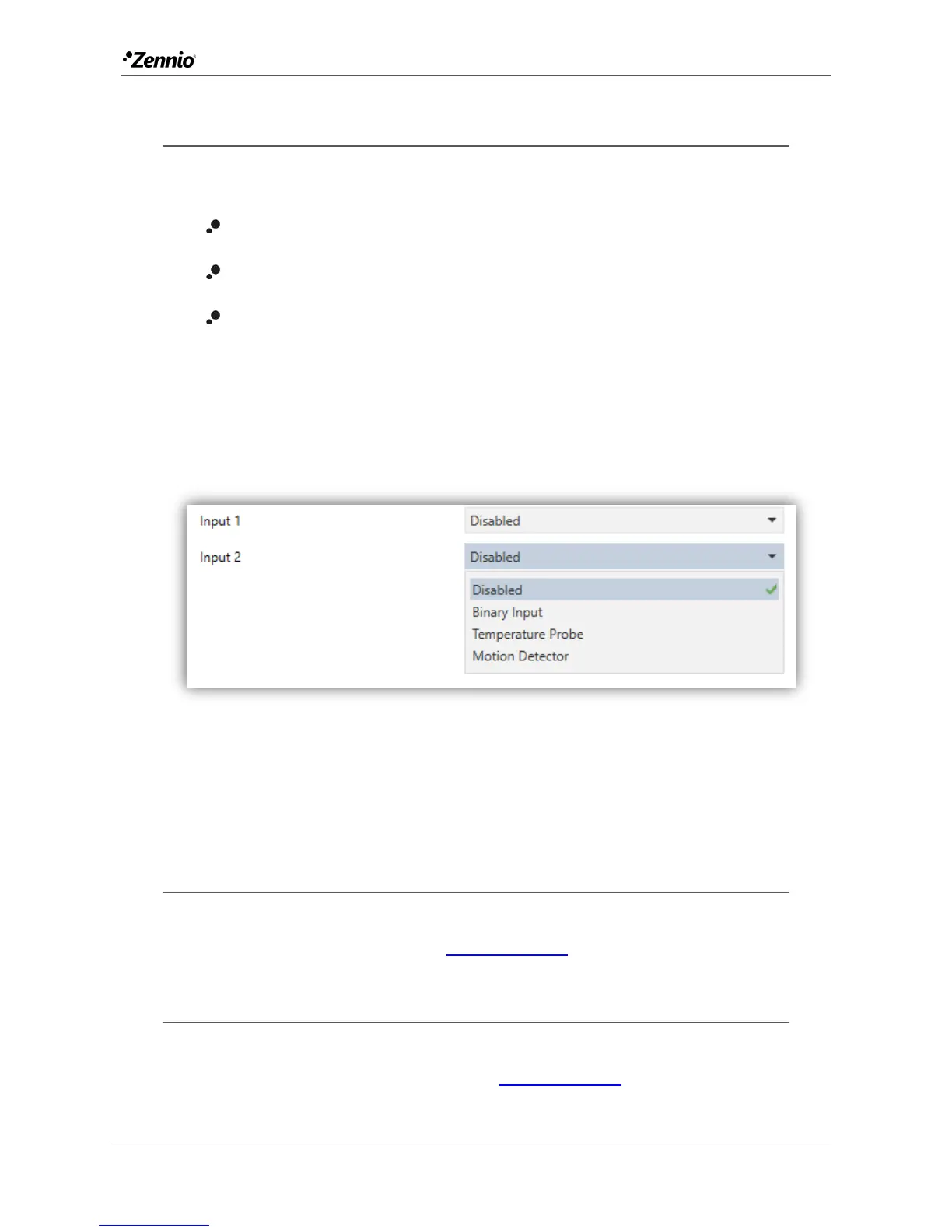
Flat / Flat 55 incorporate two analogue/digital inputs, each configurable as a:
Binary Input, for the connection of a pushbutton or a switch/sensor.
Temperature Probe, to connect a temperature sensor from Zennio.
Motion Detector, to connect a motion detector (suitable for the new motion
detector model from Zennio).
When Inputs has been activated in the “GENERAL” screen (see section 2.1.1), the
following drop-down lists will be available for the selection of the specific functions
required.
Figure 33 Inputs.
All inputs are disabled by default. Depending on the function selected for each input,
additional tabs will be included in the menu on the left.
2.3.1 BINARY INPUT
Please refer to the specific user manual “Binary Inputs”, available in the Flat / Flat 55
product section, at the Zennio website (www.zennio.com).
2.3.2 TEMPERATURE PROBE
Please refer to the specific user manual “Temperature Probe”, available in the Flat /
Flat 55 product section, at the Zennio website (www.zennio.com).



 To Next Page