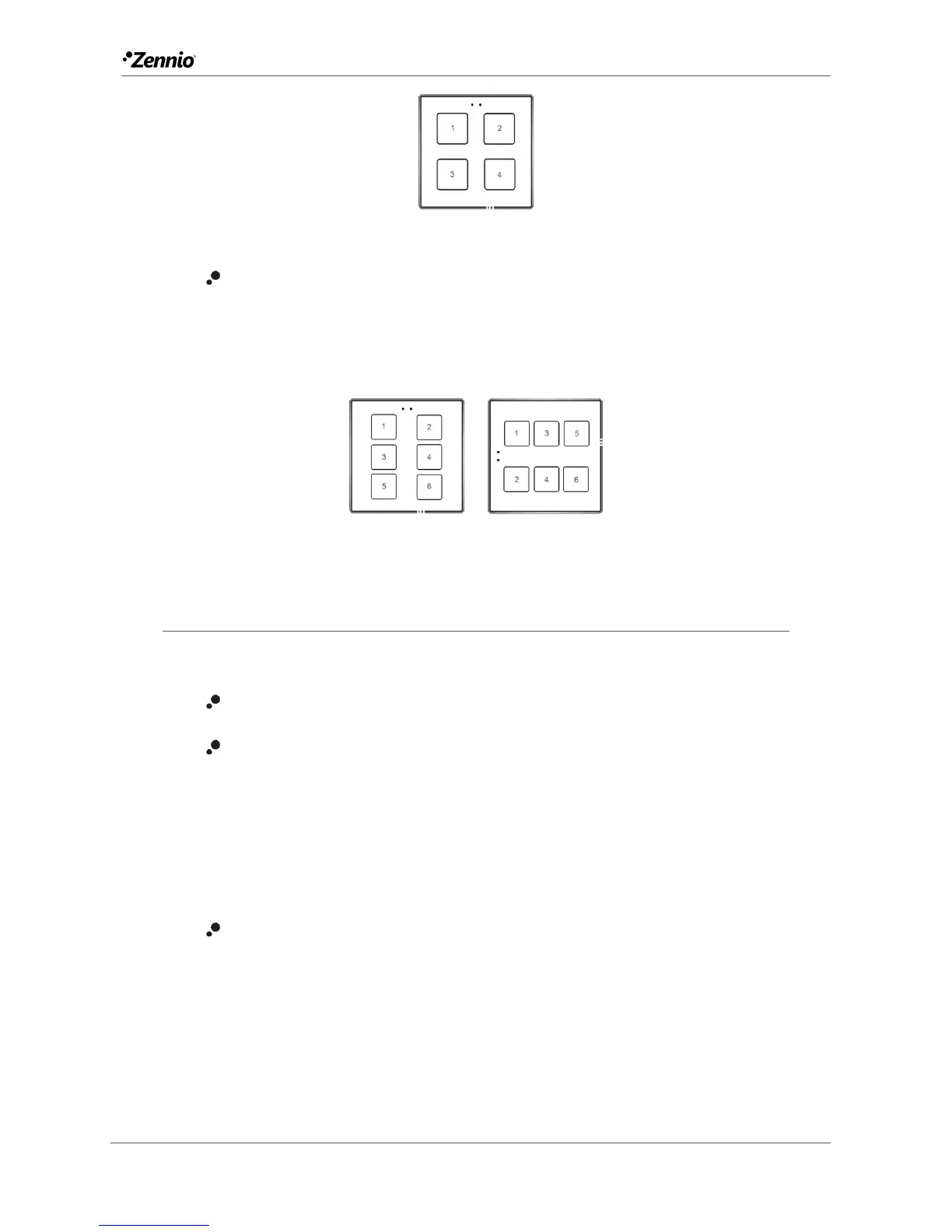
Figure 13 Flat 4 and Flat 55 X4
Flat 6 (only in Flat): up to six one-button controls, or three two-button controls
(by combining any two push buttons for each pair) can be configured, under
any of the two orientations. The figure shows which number identifies each
button during the configuration process.
Figure 14 Flat 6. Normal orientation (left) and rotated (right).
2.2.1 CONFIGURATION
The following is a list of the functions that can be assigned to each button.
Disabled (the button will not react to user presses).
Pair A, B or C (the number of available pairs depends on the selected
model), being the function of such pair one of the following:
Switch (binary).
Two objects (short press /
long press).
Light dimmer.
Shutter.
Individual (one-button control):
Switch (Binary).
Hold & release.
Two objects (short press /
long press).
Scene.
Scaling constant.
Counter constant.
Float constant.
Light dimmer.
Shutter.



 To Next Page