Status After ETS Download [enabled/disabled]: sets whether the button
beeping function should start up enabled or disabled after an ETS
download.
Object for Doorbell [disabled/enabled]: enables or disables the doorbell
function. If enabled, a specific object (“[General] Sounds - Doorbell”) will be
included into the project topology.
Object for Alarm Bell [disabled/enabled]: enables or disables the alarm
function. If enabled, a specific object (“[General] Sounds - Alarm”) will be
included into the project topology.
2.1.5 AMBIENT LUMINOSITY SENSOR
Flat / Flat 55 incorporate a luminosity sensor to receive and monitor ambient
brightness measurement.
Please refer to the specific manual “Luminosity and Proximity Sensor” (available in
the Flat / Flat 55 product section at the Zennio homepage, www.zennio.com) for
detailed information about the functionality and the configuration of the related
parameters.
2.1.6 ADVANCED
Independent tab for the parameterisation of some advanced functions. These functions
are explained next.
ETS PARAMETERISATION
After enabling the Advanced configuration from “General” screen (see section 2.1.1),
a new tab will be incorporated into the tree on the left.
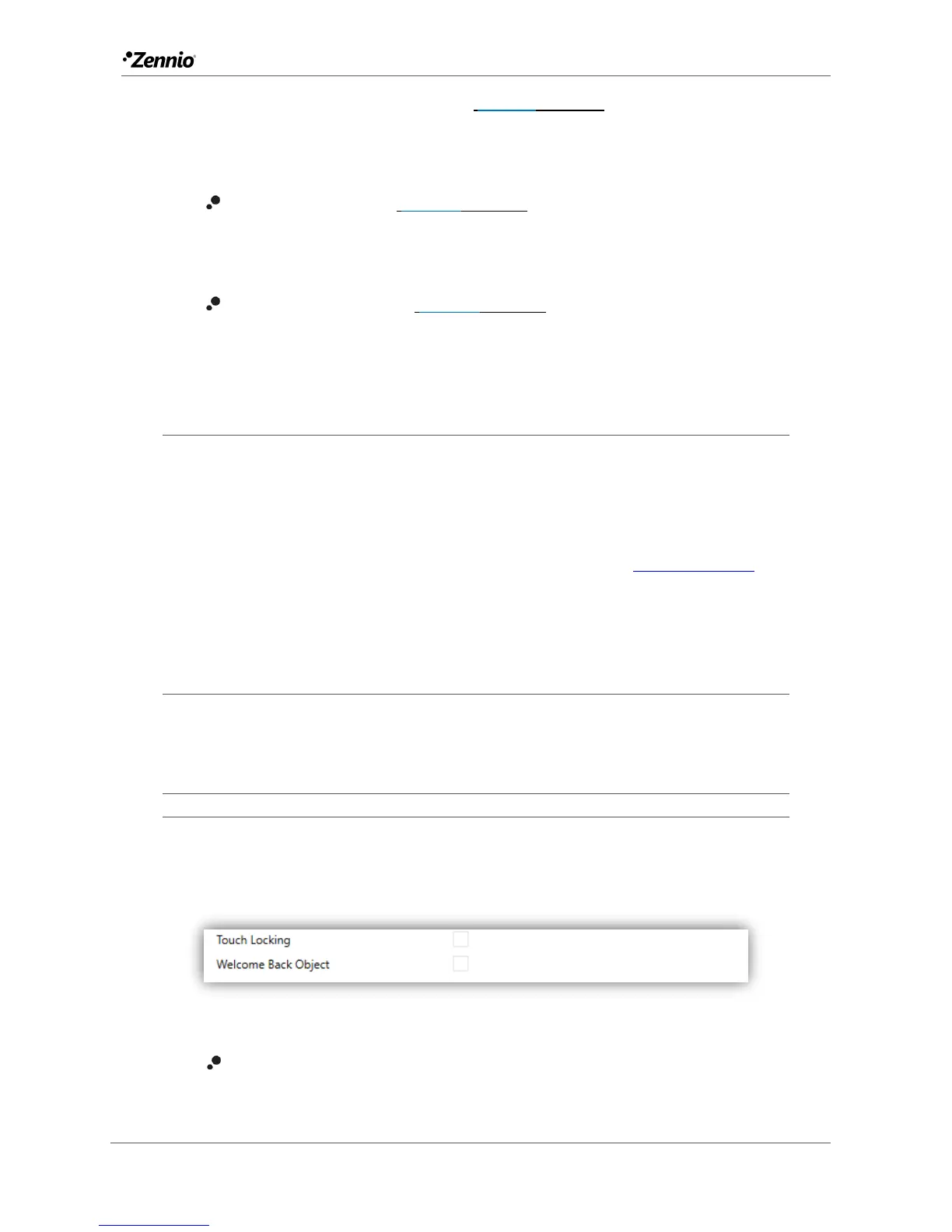
Figure 6. Advanced.
Touch locking: enables or disables the “Touch locking” tab in the tree on the
left. See section 2.1.6.1 for details.



 To Next Page