11
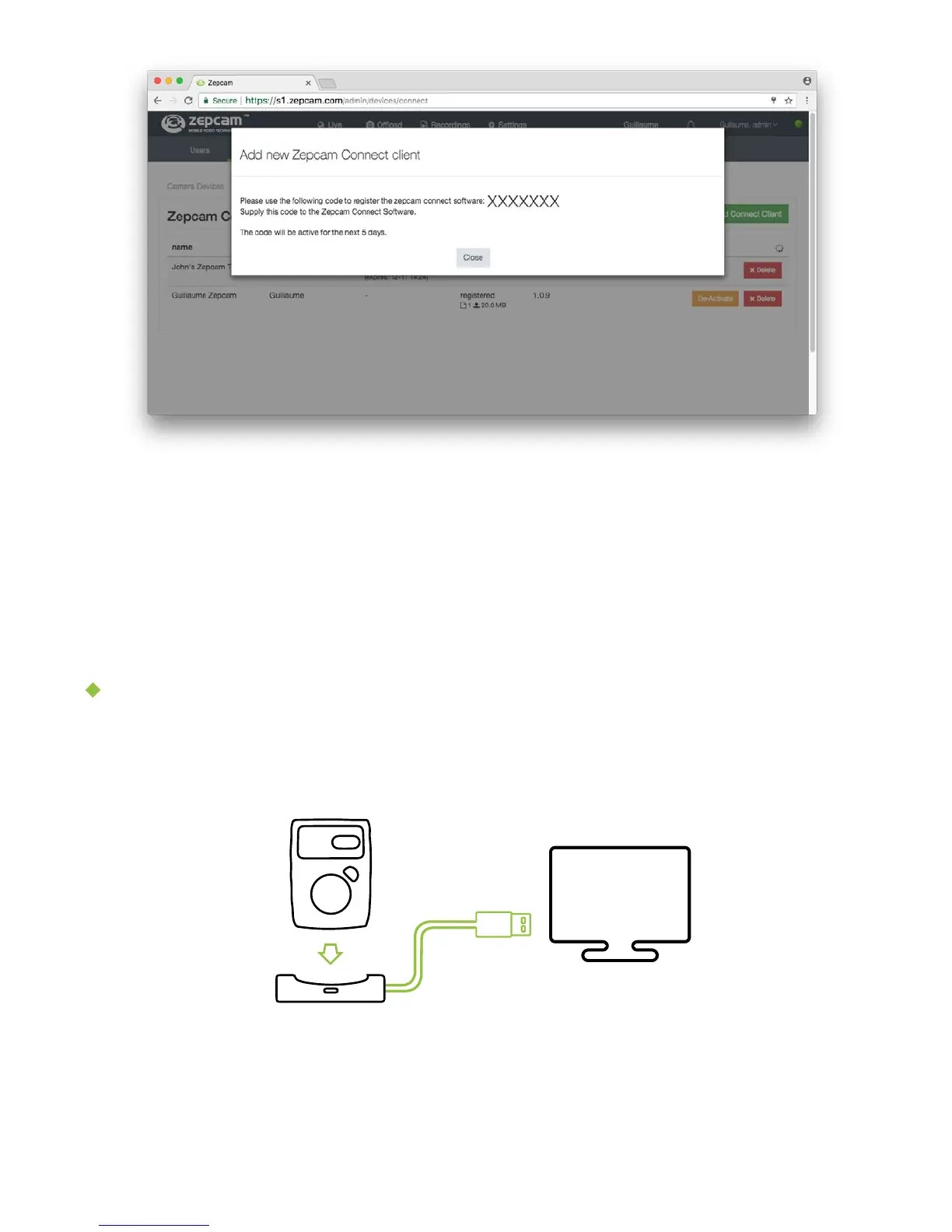
5. A pop up appears with Connect Code:
6. Copy Connect Code and send to the person that needs to activate Zepcam
Connect
7. In Zepcam Connect: enter activation / pairing code at screen.
8. In Zepcam Connect: message “Pairing successful”.
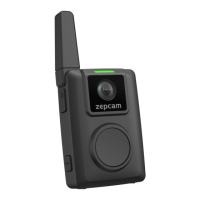
Link your Zepcam T2 to Zepcam Connect
1. Connect the single dock with provided USB cable to your PC. Place the new
Zepcam T2 in the single dock.


 To Next Page