17
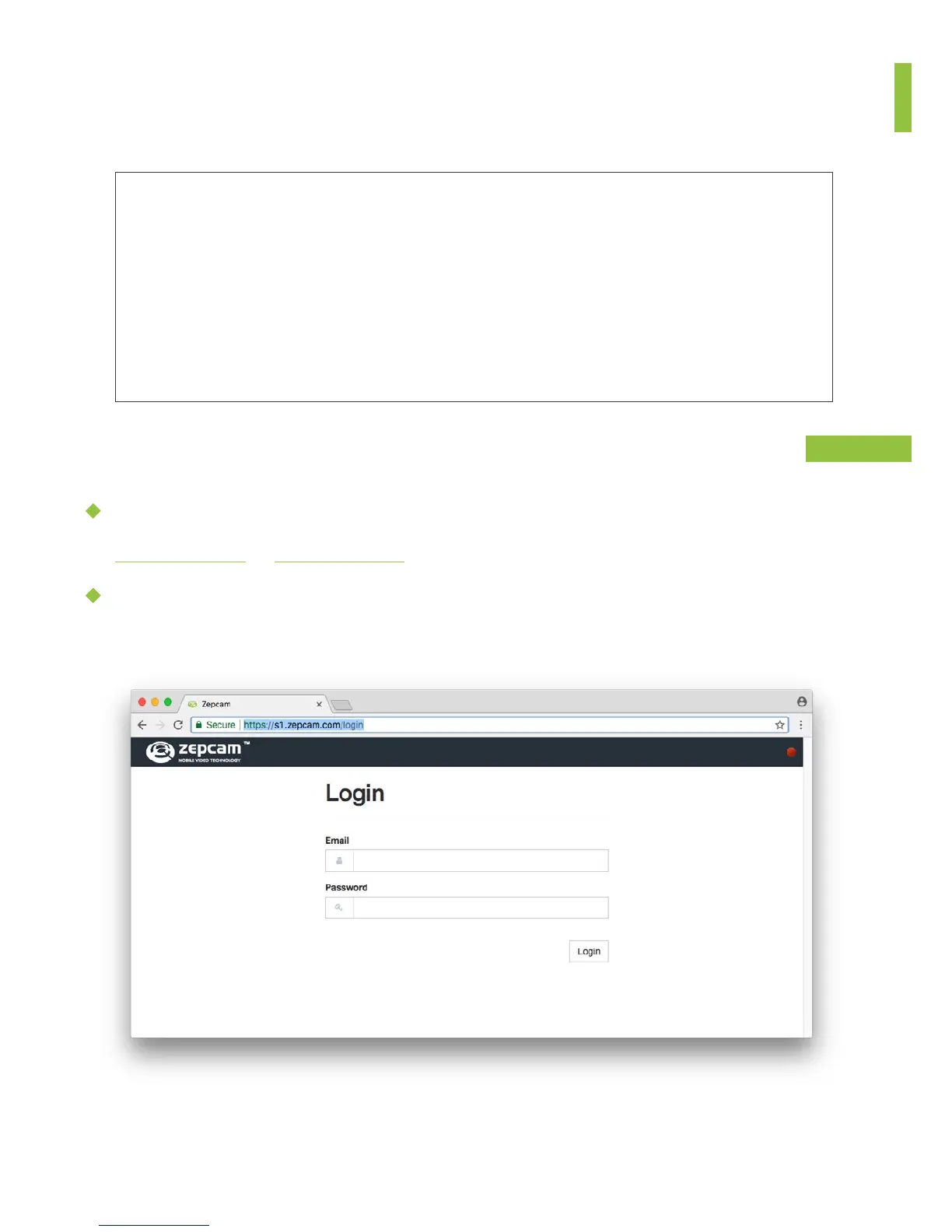
Zepcam Cloud:
s1.zepcam.com or s4.zepcam.com
On your Zepcam Server:
Use the admin username and password provided by Zepcam. We recommend you
to change your password after logging in for the first time!
• Zepcam Manager is the software to manage Zepcam devices, users and
store and manage recorded video, audio and GPS data. Zepcam Manager
is avalaible as Cloud solution (hosted and managed by Zepcam ) and Server
Software (installed on the IT network of the client).
Requirement
• Computer with internet connection when using Zepcam Cloud or computer
with LAN or WAN connection with Zepcam Server
• Zepcam Manager admin account
ZEPCAM MANAGER
HOW TO LOG IN
CLOUD OR SERVER
Your login info has been sent to you by email. Please check your spam folder in case you didn’t
receive anything.


 To Next Page