19
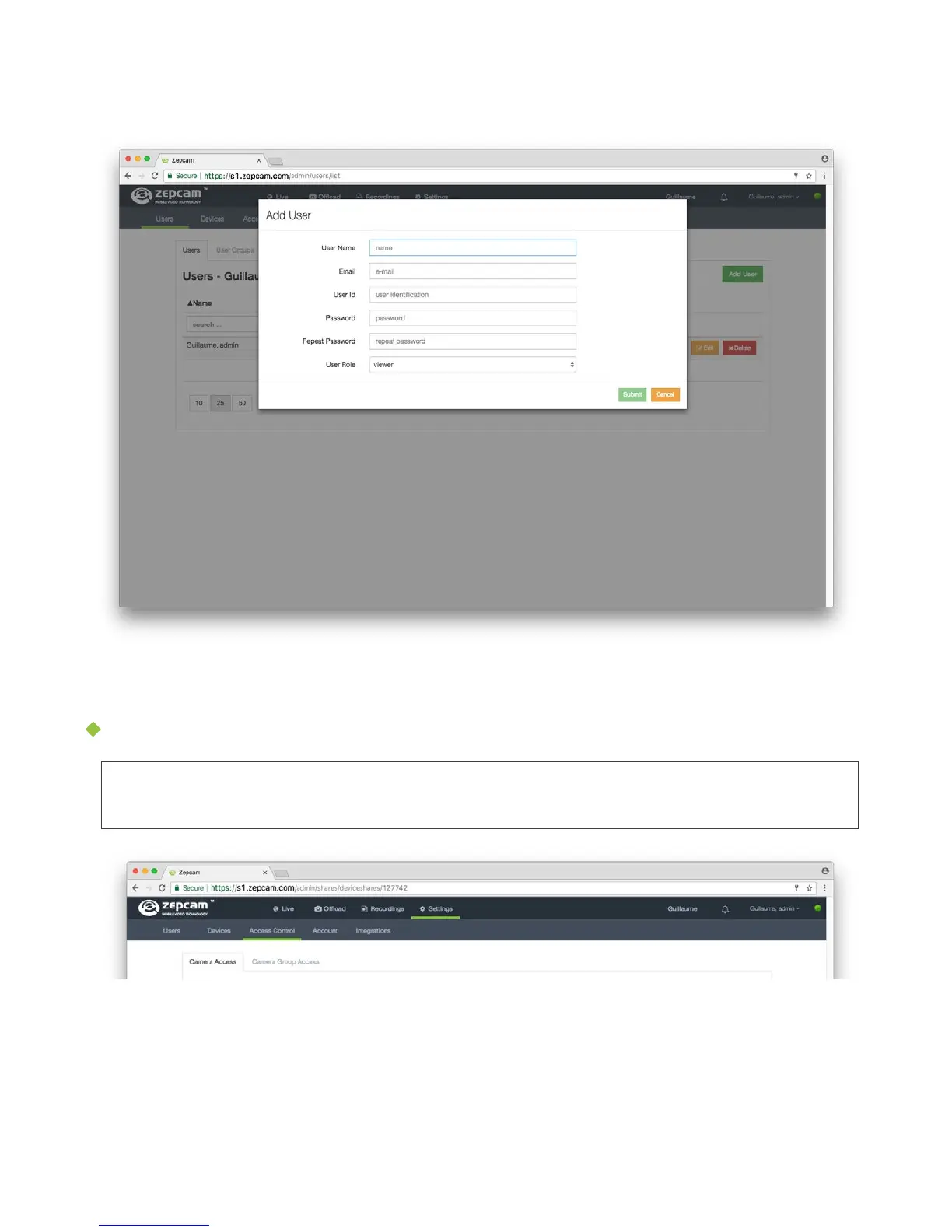
2. Click on the button “Add User”
3. Enter user’s details & role
4. Submit
5. Provide users with login details
Give Users access to view camera (and its recordings) in Zepcam Manager
[Note] This action is only possible after the T2 camera offloaded images or videos
for the first time into the cloud or Zepcam Server.
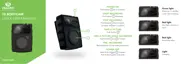
1. Go to Settings -> Access Control
2. Select camera from the camera list
3. Select users to give camera access to and then press the button “>”
4. Press submit



 To Next Page