14
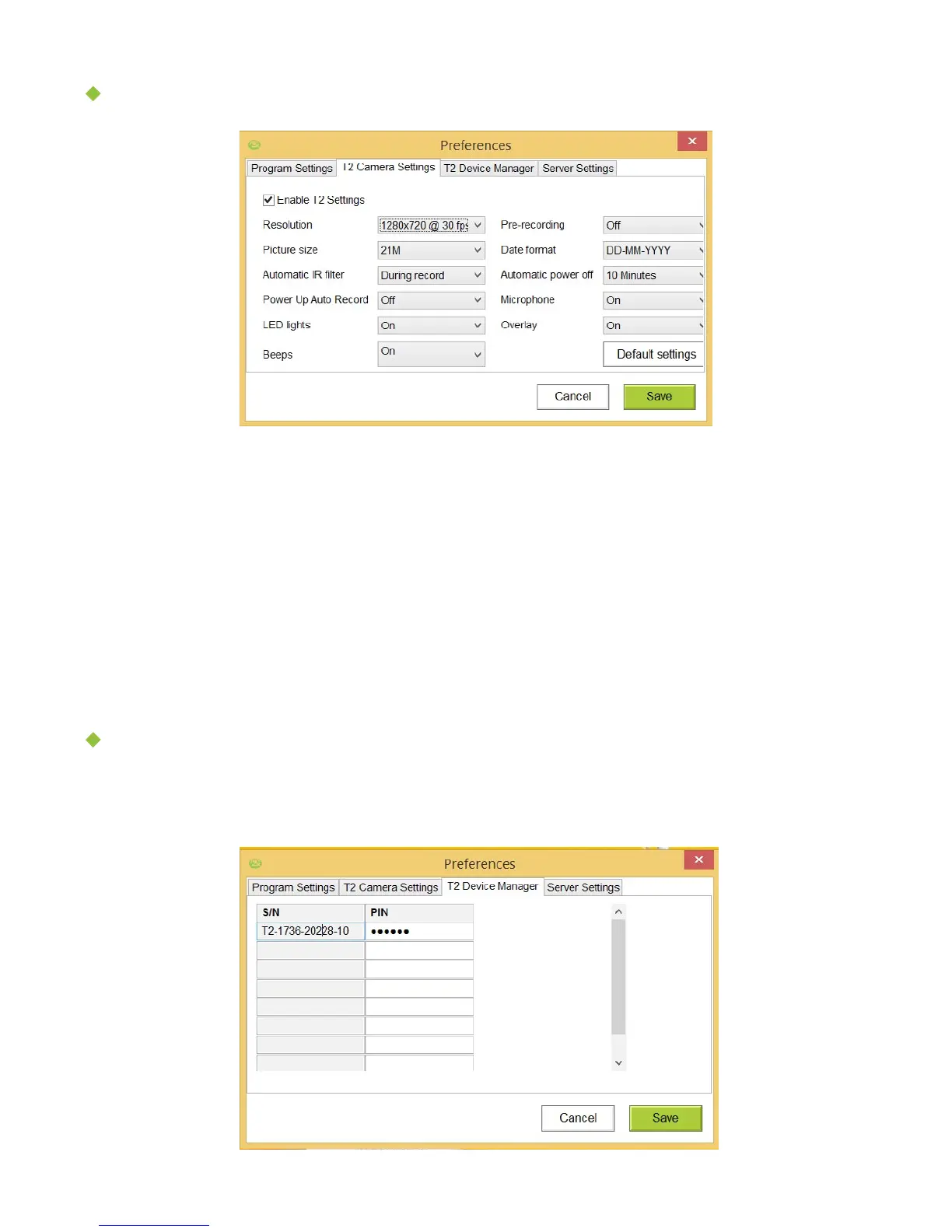
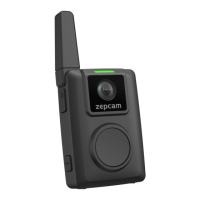
T2 Camera Settings:
• Automatic IR filter: Decides when IR sensors are switched on in dark environments.
• Power Up Auto Record: It means the T2 will start recording as soon as possible
when powered on (after 5 seconds).
• Microphone: Audio recording can be entirely disabled or only disabled during pre-
recording.
• Pre-recording: Is a buffer of max 30 seconds prior to the actual recording and will
be part of the entire recording.
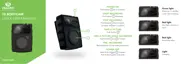
T2 Device Manager
When you entered the wrong pin for a T2, you can change it and enter the correct PIN
for the T2 in this window (don’t forget to Save!).
[Note] In most cases, the default settings are suitable


 To Next Page