12
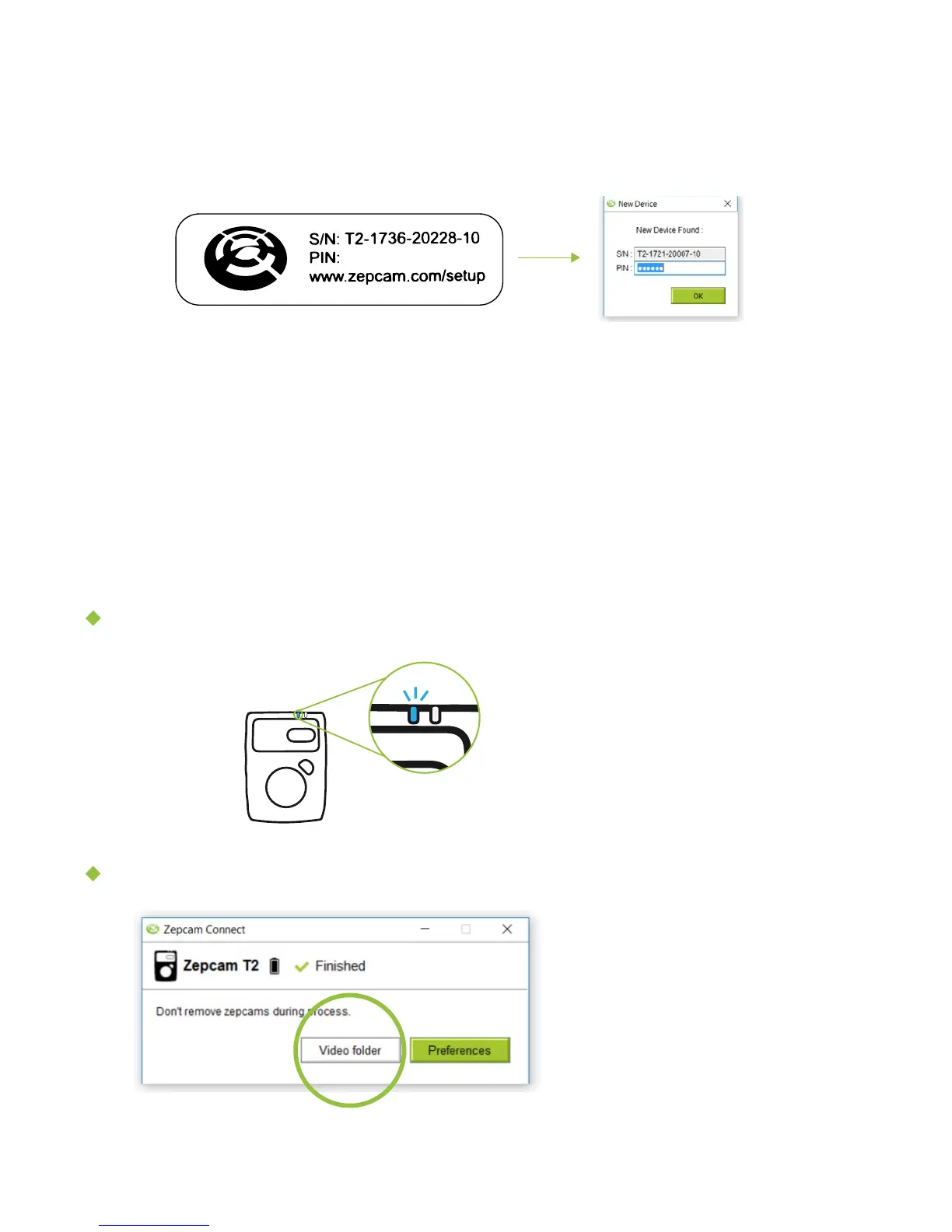
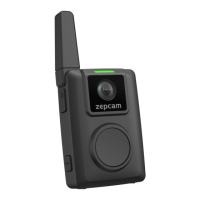
2. If this is the first time the T2 is connected with Zepcam Connect, the program
will ask you to enter the PIN:
[NOTE] The PIN has been supplied together with the Zepcam T2 (in the box).
The program will remember this PIN to authenticate the camera automatically
in the future.
Charging continues until the battery
is full
Blue led 8 will go off or flashing
quickly when fully charged
3. The movies and photos will automatically be transferred from the camera to
your computer. When movies are successfully transferred, they are automatically
removed from the Zepcam T2.
4. The program will show “Finished” after download is complete:
Charging
Accessing your videos
XXXXX
Click “Video folder” to access
your movies and photos on
your computer or network
share.


 To Next Page