13
5.4 SPEED MODE
The Drone has 2 speed modes that control
the acceleration and maneuverability of
the Drone.
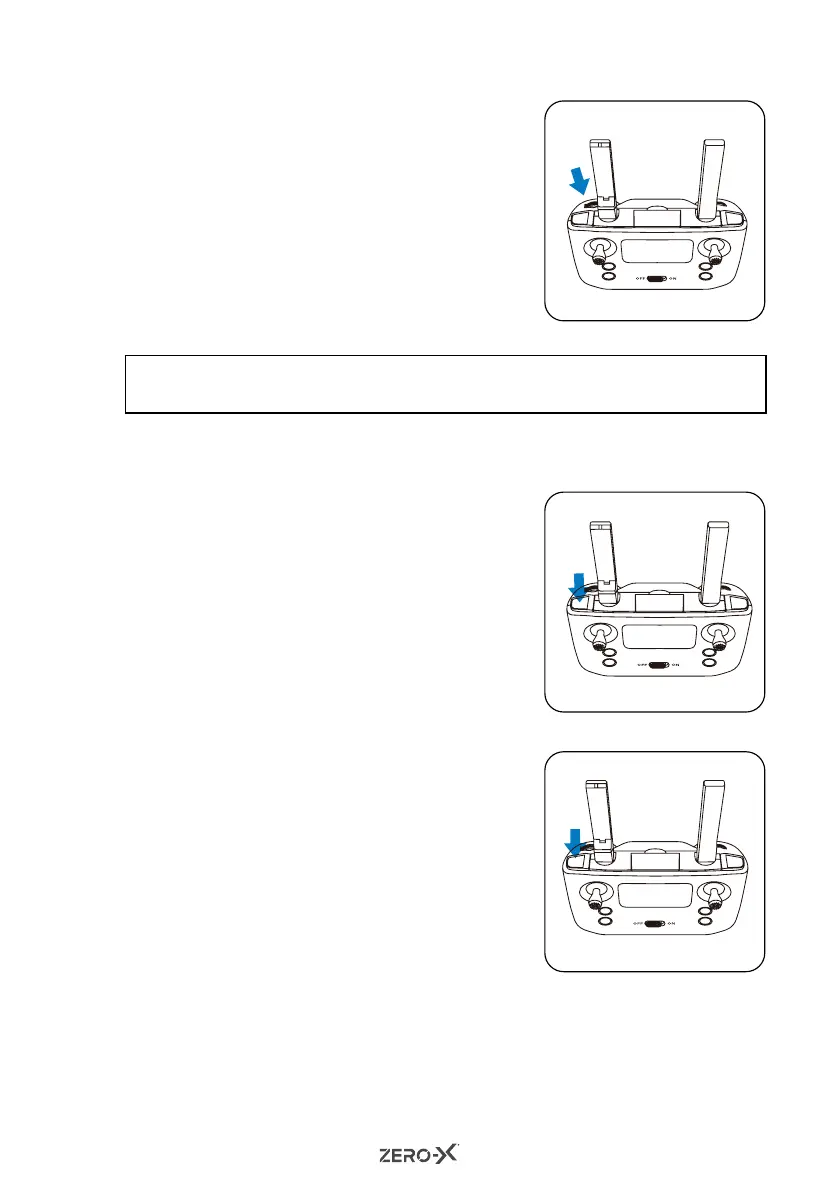
To cycle through the speed modes, use
the Speed button at the top left of the
remote control.
Each mode will be identifiable by a series
of beeps.
• Low Speed Mode (Default): One beep.
• Medium Speed Mode: Two beeps.
NOTE:
• For beginners it is suggested to operate the Drone at Low Speed.
6.0 CAMERA/VIDEO FEATURES
6.1 CAMERA MODE
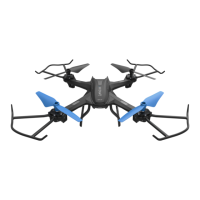
1. With the Drone turned on and paired,
short press the Photo/Video button.
2. The remote control will beep once and
the LED lights of the Drone will blink
once to indicate that a photo
was taken.
6.2 VIDEO MODE
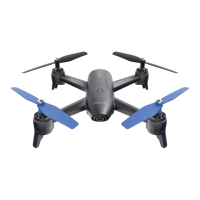
1. With the Drone turned on and paired,
long press the Photo/Video button.
2. The remote control will beep once and
the LED light on the Drone will blink
continuously to indicate that a video is
being recorded.
3. Long press the video button again
to stop recording and the LED light of
the Drone will blink twice accordingly.



 To Next Page