3
1.0 WELCOME
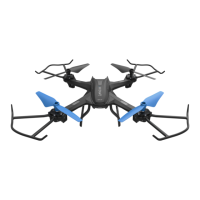
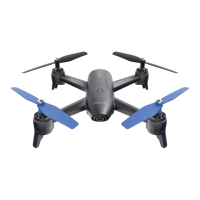
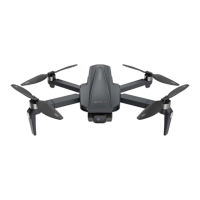
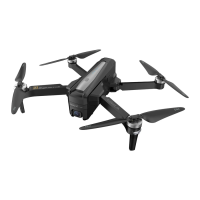
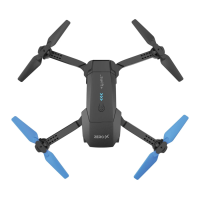
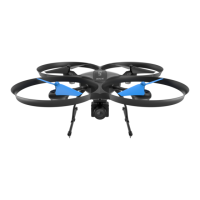
Thank you for purchasing a Zero-X Glyden Drone. The Zero-X Glyden Drone
has been specifically designed to provide the intermediate to advanced user
with a great flight experience. Please take the time to read the following safety
warnings and operating instructions carefully. In this document, the Zero-X
Glyden Drone will be referred to as the "Drone".
1.1 BEFORE YOU GET UP IN THE AIR
Before you familiarise yourself with your Zero-X Drone, we ask that you
read page"Battery Safety" on page 5 before you start charging your
Drone’s battery.
1.2 GENERAL SAFETY
Before you start using your Drone, please read and familiarise yourself
with your local Drone useage legislation. Included in this product's
package contents are the Australian CASA guidelines.
Please read this information carefully and only use your Drone within the
parameters of your local regulations. Zero-X takes no responsibility for
operation of this product.
• DO NOT fly your Drone any closer than 30 metres from people,
animals or buildings.
• Check to make sure you are no closer than 5.5 kilometres from any
airfields or airports. For more information on CASA’s Australian
legislation visit: http://www.casa.gov.au/
• You must not fly your Drone higher than 120 metres above the ground.
• Only fly during the day and keep your Drone within your visual line-of
sight.
• For information outside Australia please visit the website of your local
aviation authority.
• DO NOT attempt to modify the Drone or any of its components in any
way, as doing so will void your warranty and may affect the operation
of the Drone.
• DO NOT use the Drone in any conditions that could affect or damage
your Drone. Wind, sand and dust can damage the components of
your Drone.
• Please DO NOT attempt to touch the Drone when the remote control
is on, or while the rotor blades are turning.
• When flying your Drone, please keep in mind the privacy of others.



 To Next Page