8
4.0 SETTING UP YOUR DRONE
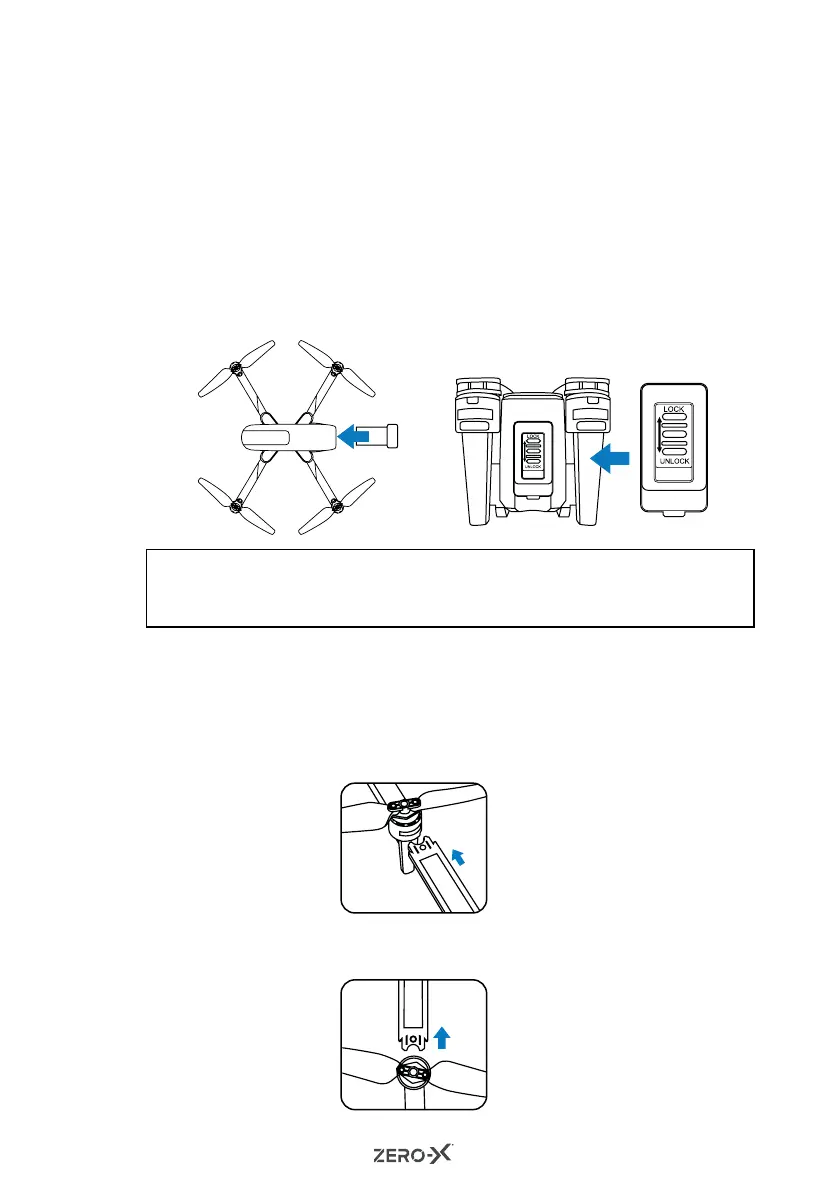
4.1 INSTALLING THE BATTERY
For detailed instructions on how to install the battery please follow
the steps below.
1. Ensure that the battery is fully charged.
2. Insert the battery into the rear of the Drone in the right direction
(the tab on the battery should be facing down).
3. Slide the battery all the way in, until it securely slots into place.
4. Press 'LOCK' to lock the battery to the Drone. Press 'UNLOCK'
before taking out the battery.
4.2 INSTALLING ROTOR GUARDS
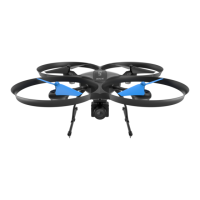
Installing the rotor guards is optional. However, installing them will
protect your rotor blades and motors against bumps and light crashes.
1. To install the rotor guards, please insert the rotor guard pegs into the
designated holes near the motors on the Drone's arms.
2. To remove the rotor guard, please hold the rotor first, then remove
the rotor guard.
NOTE:
• DO NOT force in the battery. If the battery does not fit into position, please
check that you have installed the battery in the correct orientation.



 To Next Page