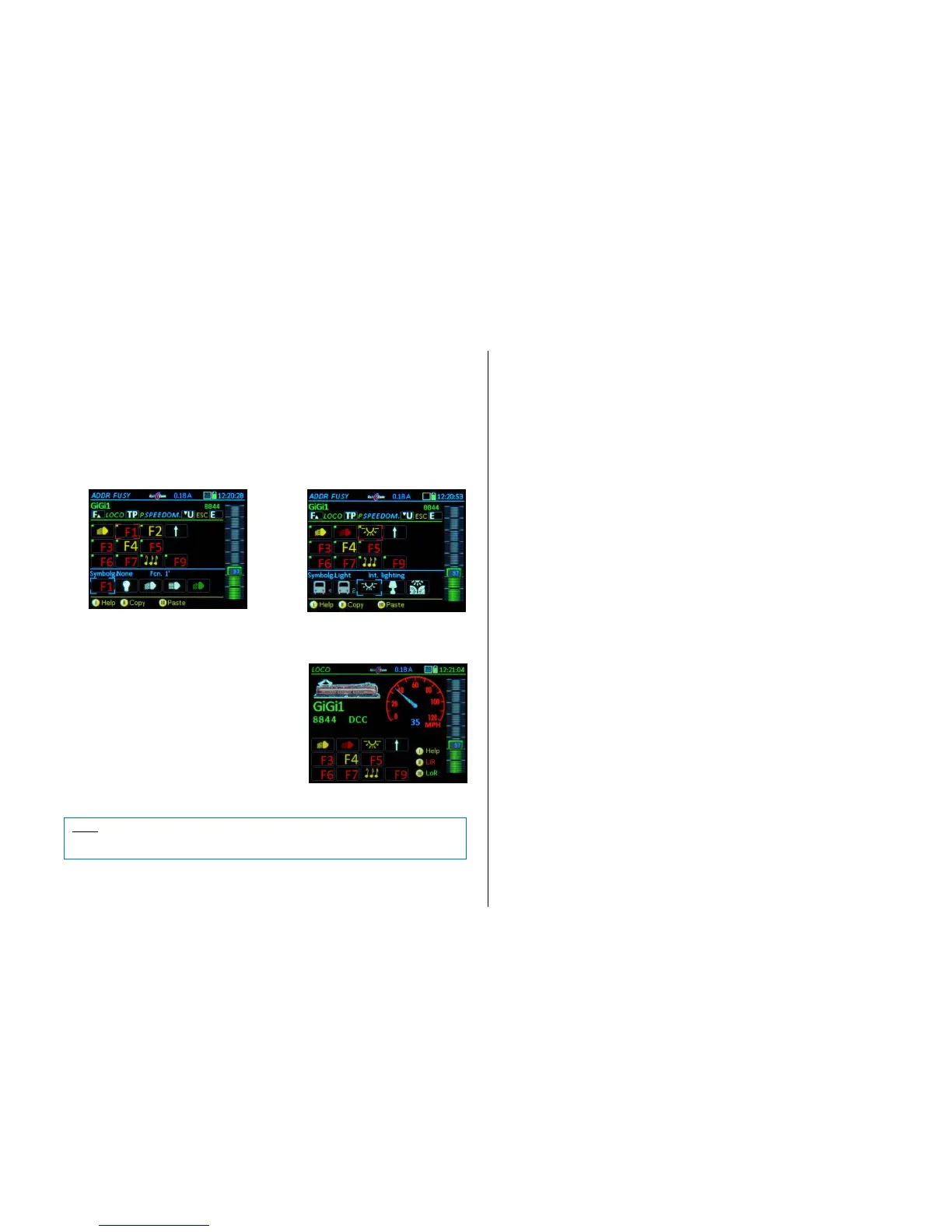
E + 5 ADDR FUSY – assigning function icons to function keys on the display:
10 function keys are displayed that can be replaced with
the selected icons together with the latch/toggle function
indicators by means of a green or red dot.
Function-Keys F0 …F9 Marks (frame) the selected function key
(Shift) Switches to the next set of keys F10 … F19 etc.
Scrolling wheel Scrolls through the list of available icons (bottom of
page)
and immediately applies them to the selected function key.
Rocker switch jumps between icon groups in the list
(i.e. light icons, sound icons…)
TP-Key selects between latched/toggle (indicated by illuminated dot).
continue (with image, Fu-icons, speedo):
F-Key Activates the address with the selected function
icons and switches to operating mode LOCO
or
U-Key ADDR SPEED (Speedo set-up screen).
NOTE: It makes no difference whether each setup screen is saved separately with the F-Key or
all settings are made first by advancing from one setup screen to the next with the U-Key, be-
cause all changes are saved with the “last” F-Key.



 To Next Page