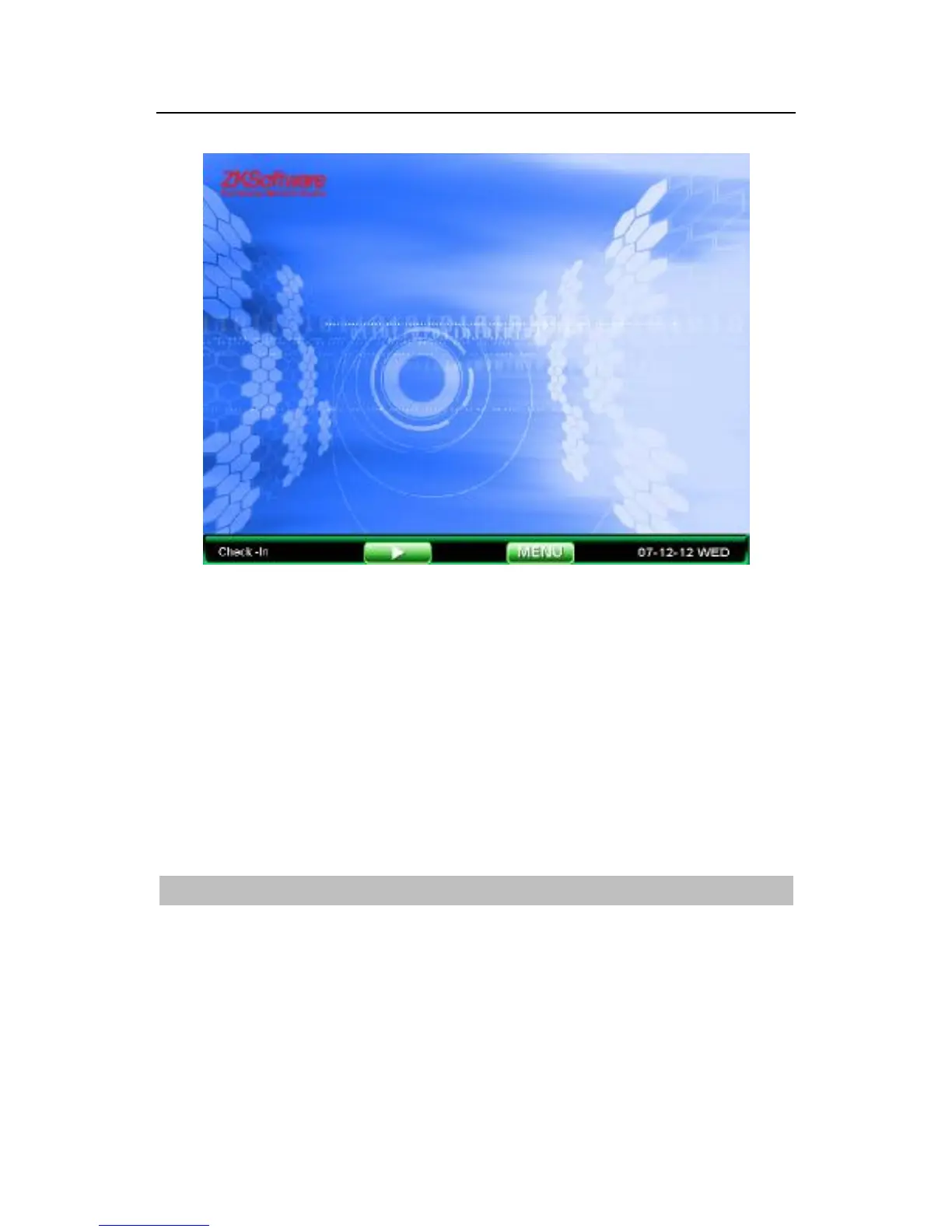
Ready state is shown in photographs, users can upload images
(see 7.4 upload custom photo), but also can shift the clock
displayed on the screen intermediate (See 5.1 interface installed).
When the equipment in ready working mode, users press OK
button or touch keys on the screen after the player launched flash
player, the middle of the screen broadcast flash animation
After user verification completed by the fingerprint or the password
the attendance log will be saved in machine general
About Play Flash
To play flash is available for this device, after loading the flash file
into machines, the device is able to play flash in the ready state, so
it can produce some publicity flash and upload it into the machine
to play.



 To Next Page