SECTION 2 – CORRECT SETTINGS
Note: To obtain maximum Diaphragm efciency, please
ensure a genuine ZODIAC Auto Weir Valve is used.
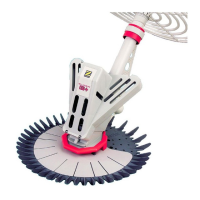
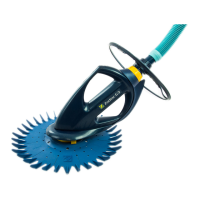
Your G2™ Pool Cleaner
is performing too fast
and/or climbing above
the level of the water.
Your G2™ Pool Cleaner
is performing slowly
and/or not climbing the
pool walls.
Reduce Auto Weir
Valve to medium(2)
or low(1) setting.
Increase Auto Weir
Valve to medium(2)
or high(3) setting.
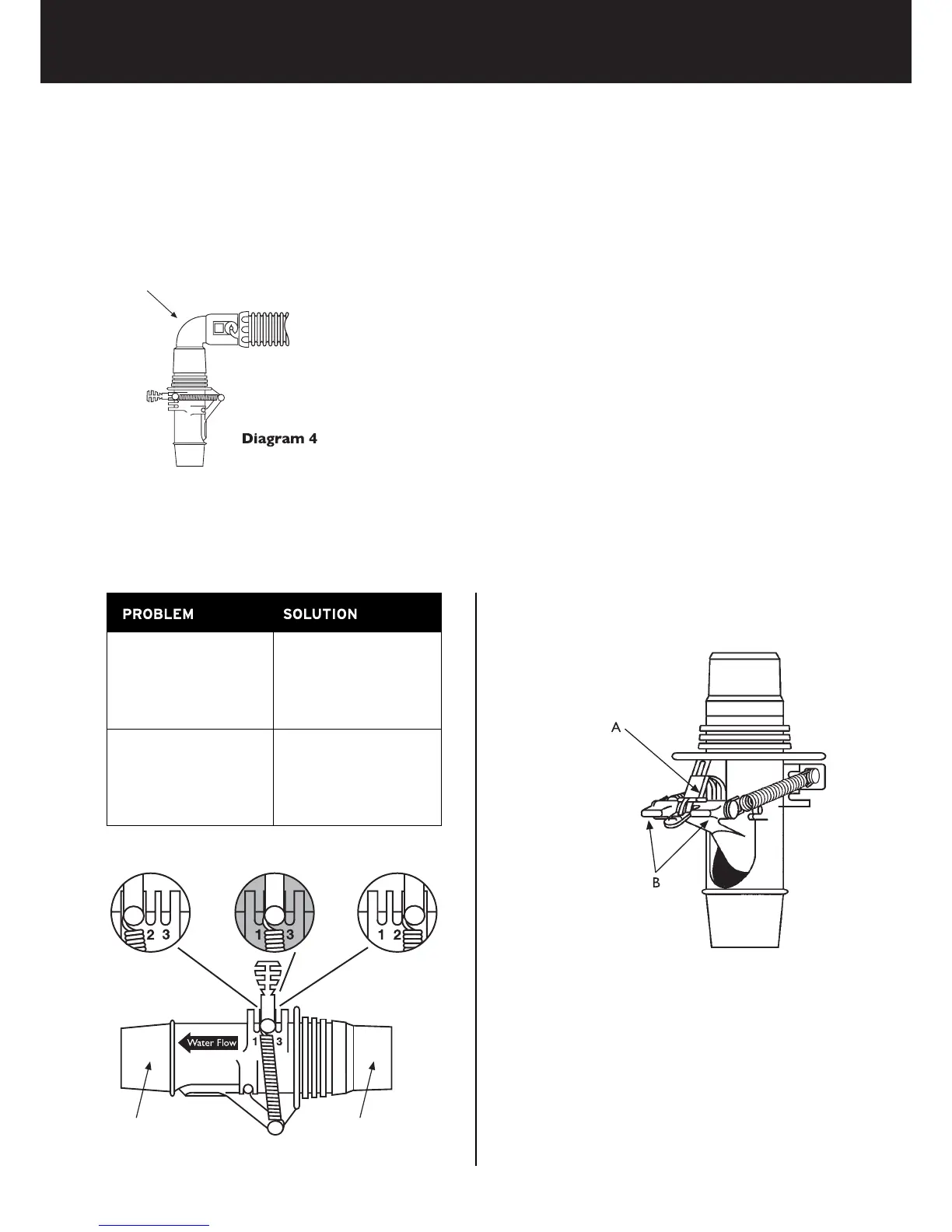
1. Low Setting 2. Medium Setting 3. High Setting
TURNING YOUR G2™ OFF IS MADE EASY WITH
THE AUTO WEIR VALVE
You no longer need to remove the ZODIAC Auto
Weir Valve from the weir.
Simply depress the red pivoted arm (A) until it locks
open the ow door.
To commence pool cleaner operation, release the
pivoted arm (A) by pressing down on the ow door
(B). It’s that simple.
AUTO WEIR VALVE
The ZODIAC Auto Weir Valve is preset at the factory to obtain maximum pool cleaning efciency. Your
G2™ is preset on setting 2. However, if you do experience difculties it can be manually adjusted to one of the
three settings (hight, medium or low – See Adjustment Settings below).
ADJUSTMENT SUGGESTIONS
You will only need to adjust the Auto Weir Valve if the following occurs:
90° Elbow
Auto Weir Valve
with 90° Elbow
Hose or 90° Elbow
attaches to this end
This end plugs
into the weir
5



 To Next Page