Enabling stereo linking
Using stereo-linking, input signals can be handled as stereo audio.
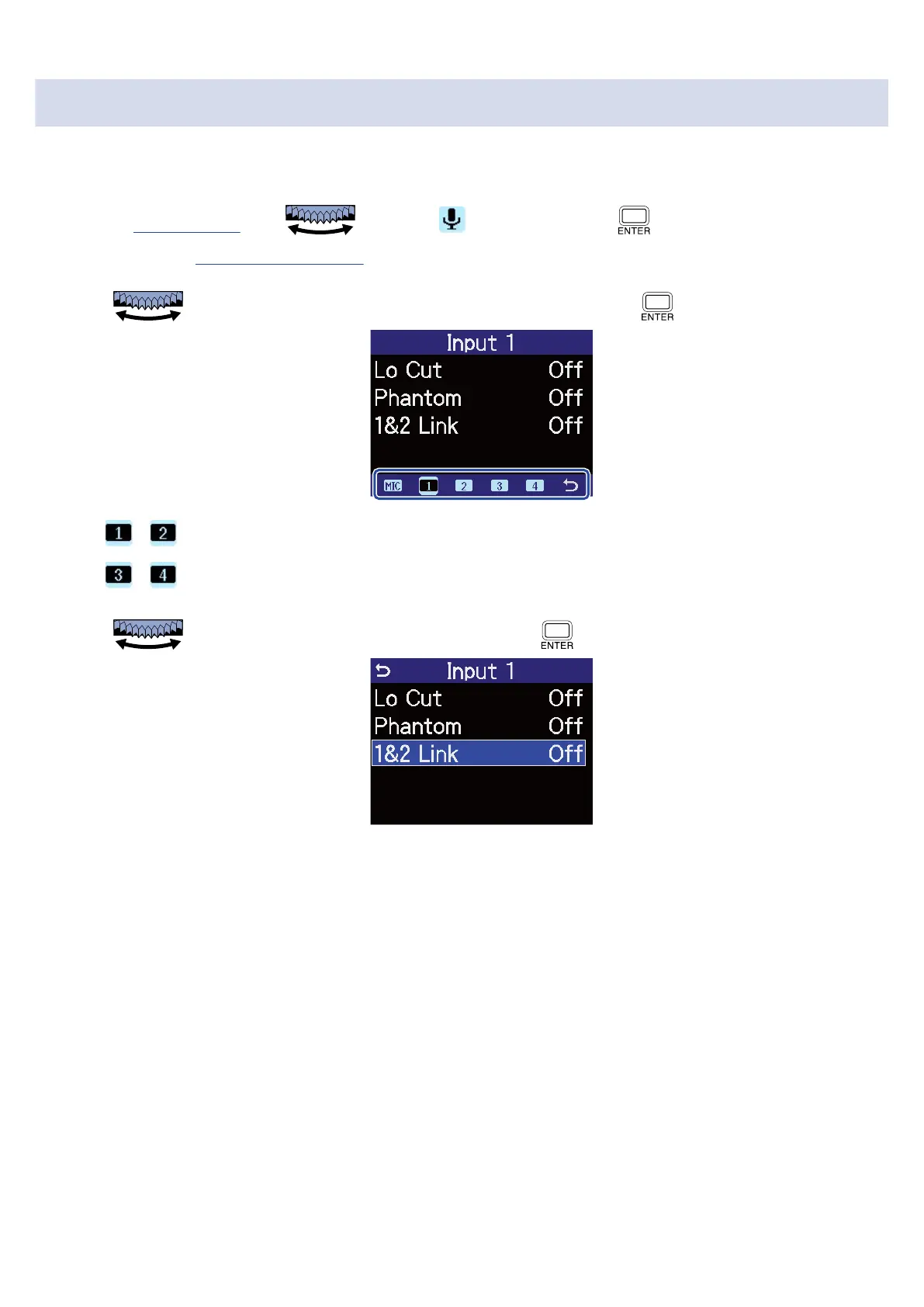
1. On the Home Screen, use to select (Input) and press .
This opens the Input Settings Screen.
2. Use to select an input that you want to stereo link and press .
• , : This will stereo link inputs 1 and 2.
• , : This will stereo link inputs 3 and 4.
3. Use to select “1&2 Link” or “3&4 Link” and press .
52



 To Next Page