Automatic volume adjustment during playback
By setting “Audio Normalization” to “On”, the playback volume can be evened out regardless of recording
levels.
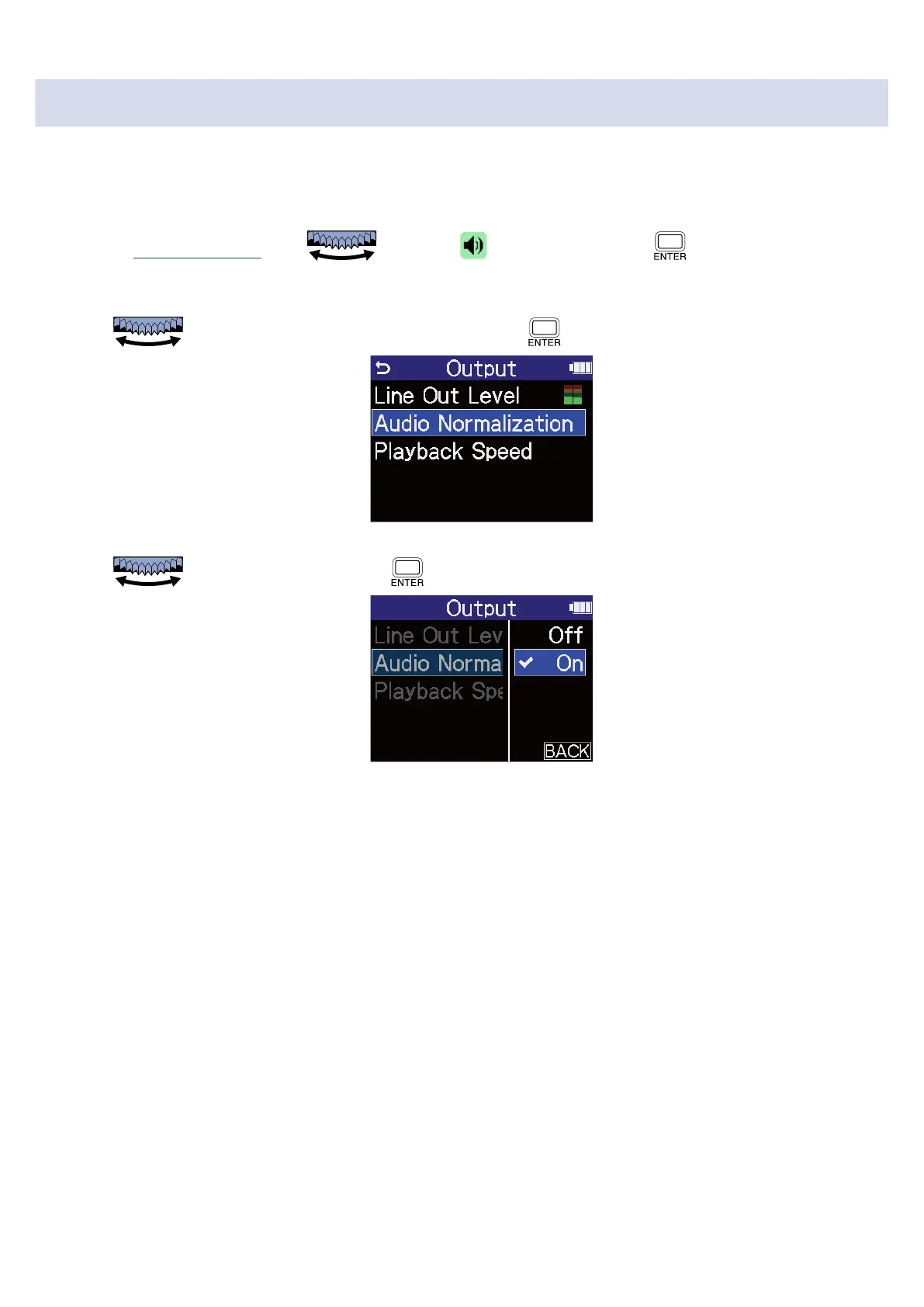
1. On the Playback Screen, use to select (Output) and press .
This opens the Output Settings Screen.
2. Use to select “Audio Normalization” and press .
3. Use to select “ON” and press .
76



 To Next Page