19
Turning the unit on/off
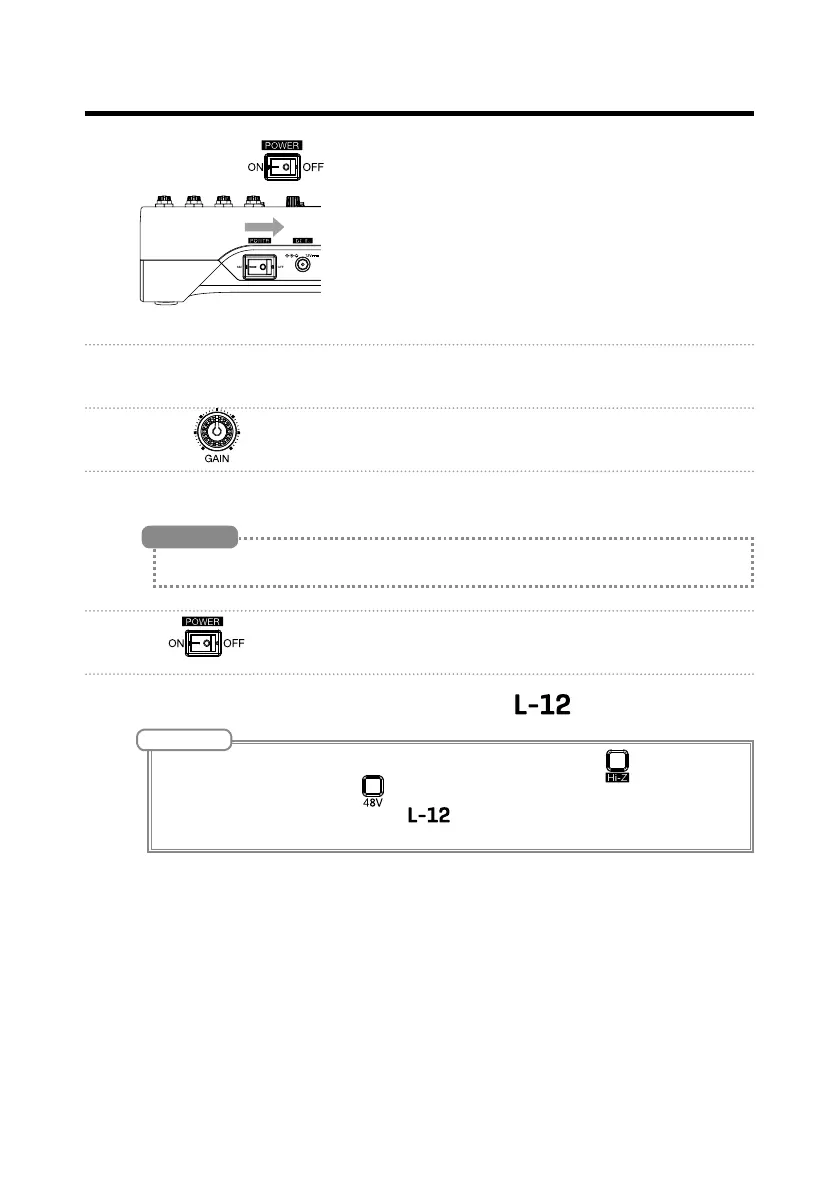
2. Conrm that is set to OFF.
3. Plug the AD-19 adapter designed for this unit into an outlet.
4. Set all knobs and faders to their minimum values.
5. Connect instruments, mics, speakers and other equipment.
See P.15 for connection examples.
HINT
6. Set to ON.
7. Turn on the output devices connected to the .
NOTE
• When using a passive guitar or bass guitar, connect it to channel 1 or 2, and turn on. (
→
P.5)
• When using a condenser mic, turn
on. (
→
P.5)
• The power will automatically turn off if the
is unused for 10 hours. If you want the power to stay
on always, disable the automatic power saving function (
→
P.87)



 To Next Page