22
Outputting sound from speakers
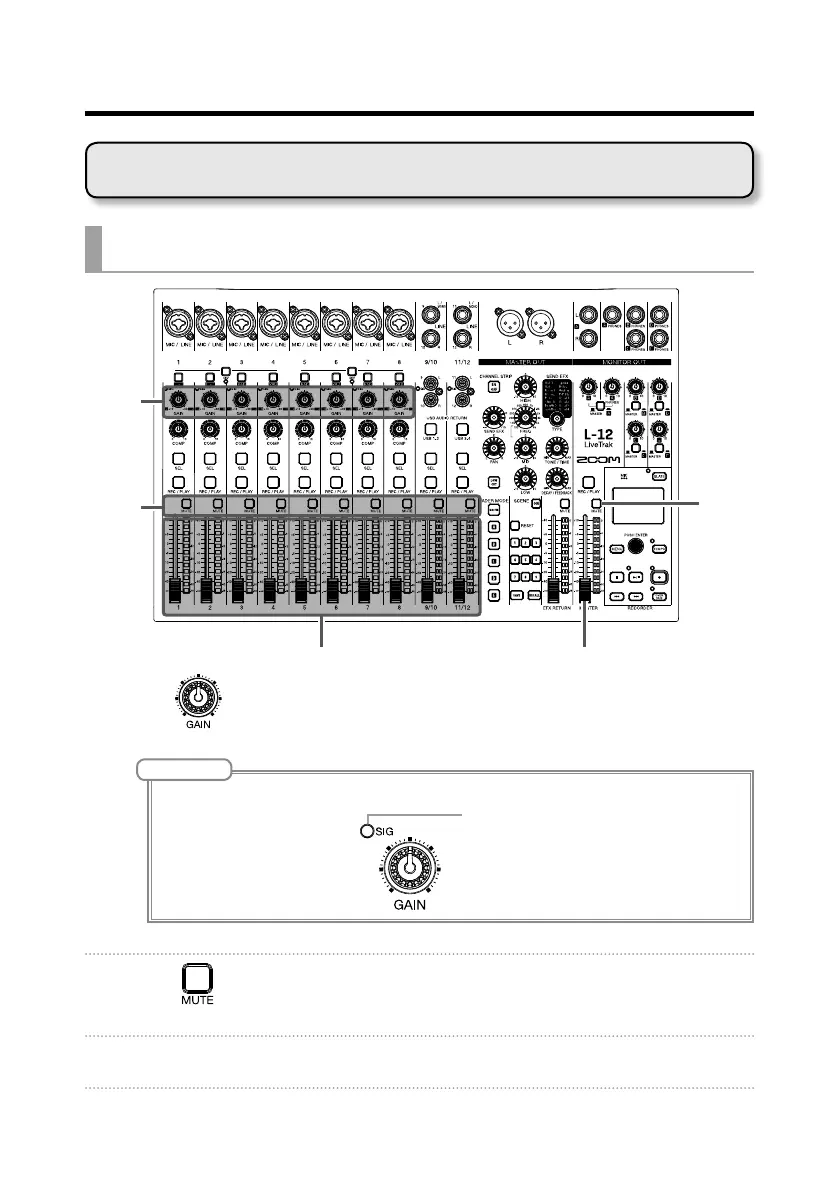
GAIN
knob
MUTE
button
MUTE
button
Channel faders Master fader
1. Use to adjust the input signals while inputting sound from instru-
ments and mics.
NOTE
Set them so that SIG indicators do not light red.
2. Turn off (unlit) for the MASTER and the channels with sound you
want to output.
3. Set the MASTER fader to 0.
Outputting input sounds from output devices
Mixer



 To Next Page