47
Using the metronome
The metronome has adjustable volume, a selectable sound, and a pre-
count function. The volume can also be adjusted separately for each output.
Metronome settings are saved separately with each project.
Enabling the metronome
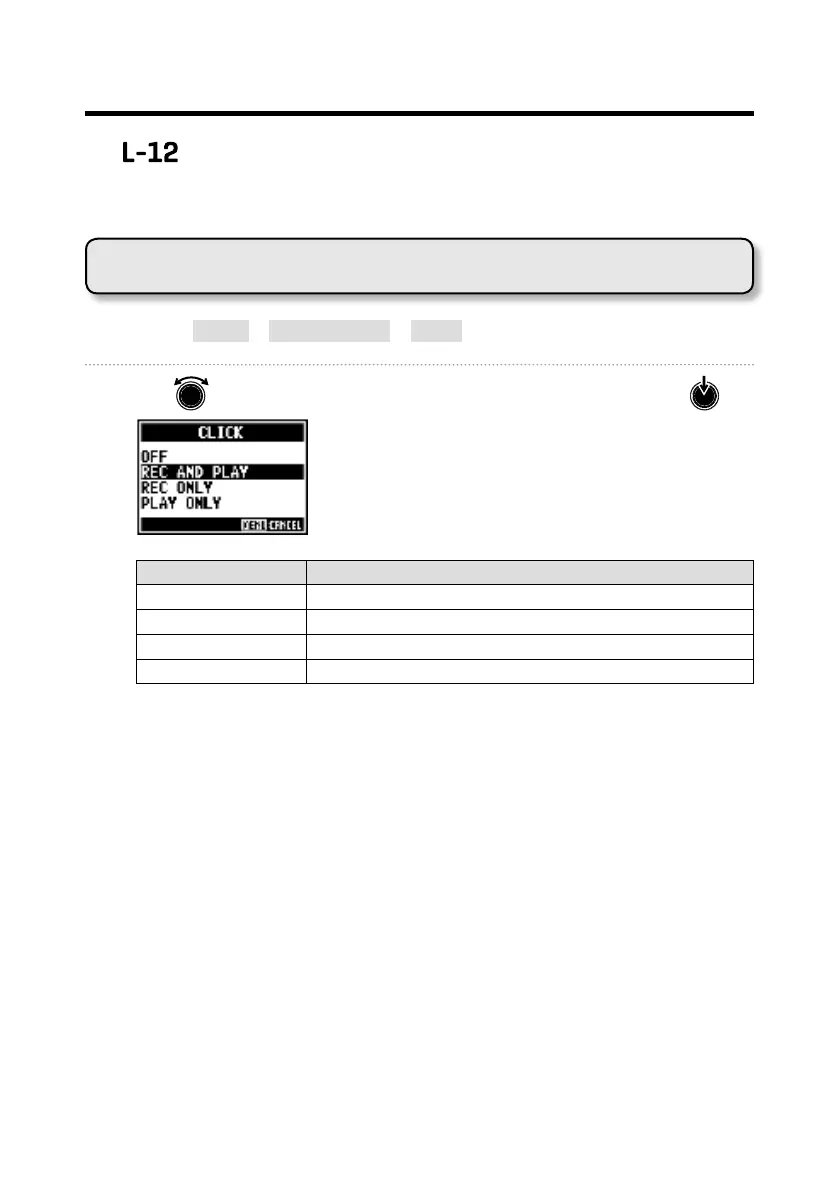
1. Select MENU > METRONOME > CLICK.
2. Use to select when the metronome makes sound, and press .
Setting value Explanation
OFF The metronome does not make sound.
REC AND PLAY The metronome sounds during recording and playback.
REC ONLY The metronome sounds only during recording.
PLAY ONLY The metronome sounds only during playback.



 To Previous Page