37
Recording and playback
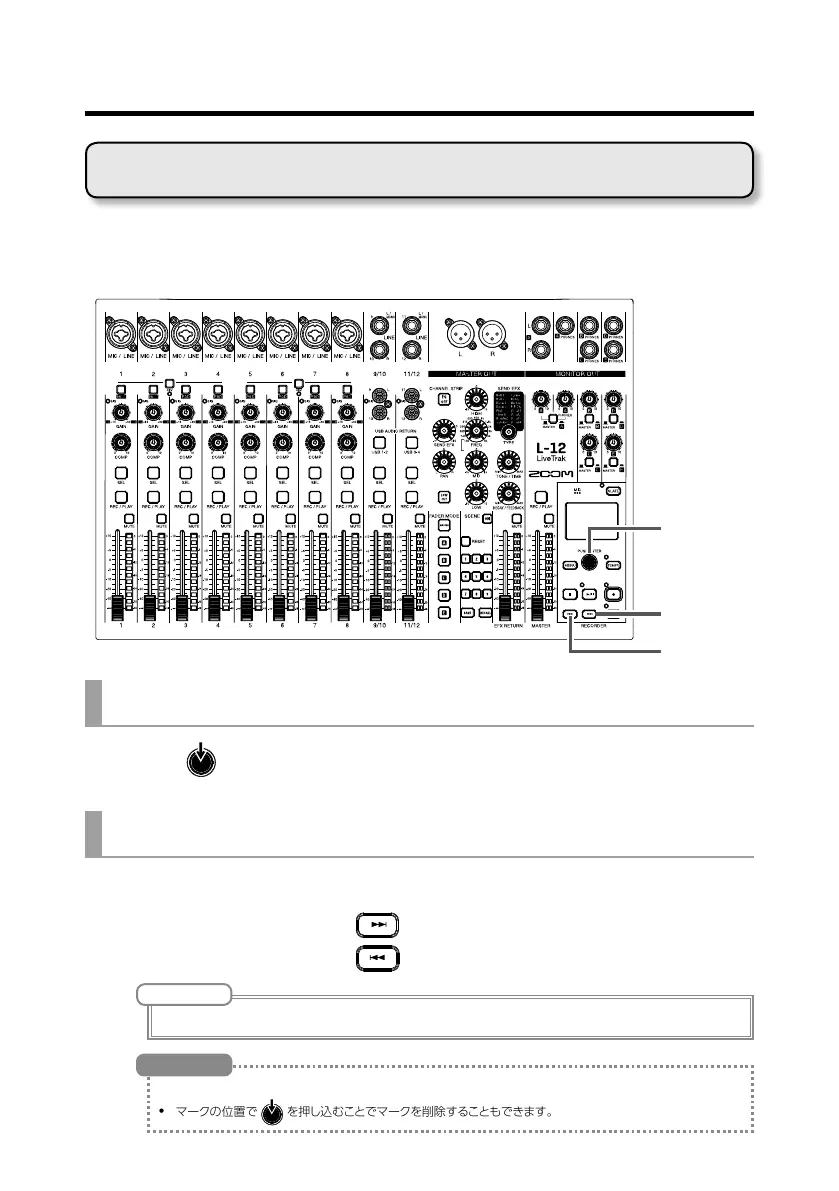
Adding marks at desired positions with the recorder makes moving to those
positions easy.
Selection
encoder
Adding marks during recording and playback
1. Press during recording/playback.
Moving in mark order
1. Use these buttons to move in mark order.
Move to next mark: Press
Move to previous mark: Press
NOTE
Checking and deleting marks in projects (
→
P.65)
• A maximum of 99 marks can be added to one project.
•
マークの位置で
を押し込むことでマークを削除することもできます。
HINT
Adding marks



 To Next Page