27
Mixer
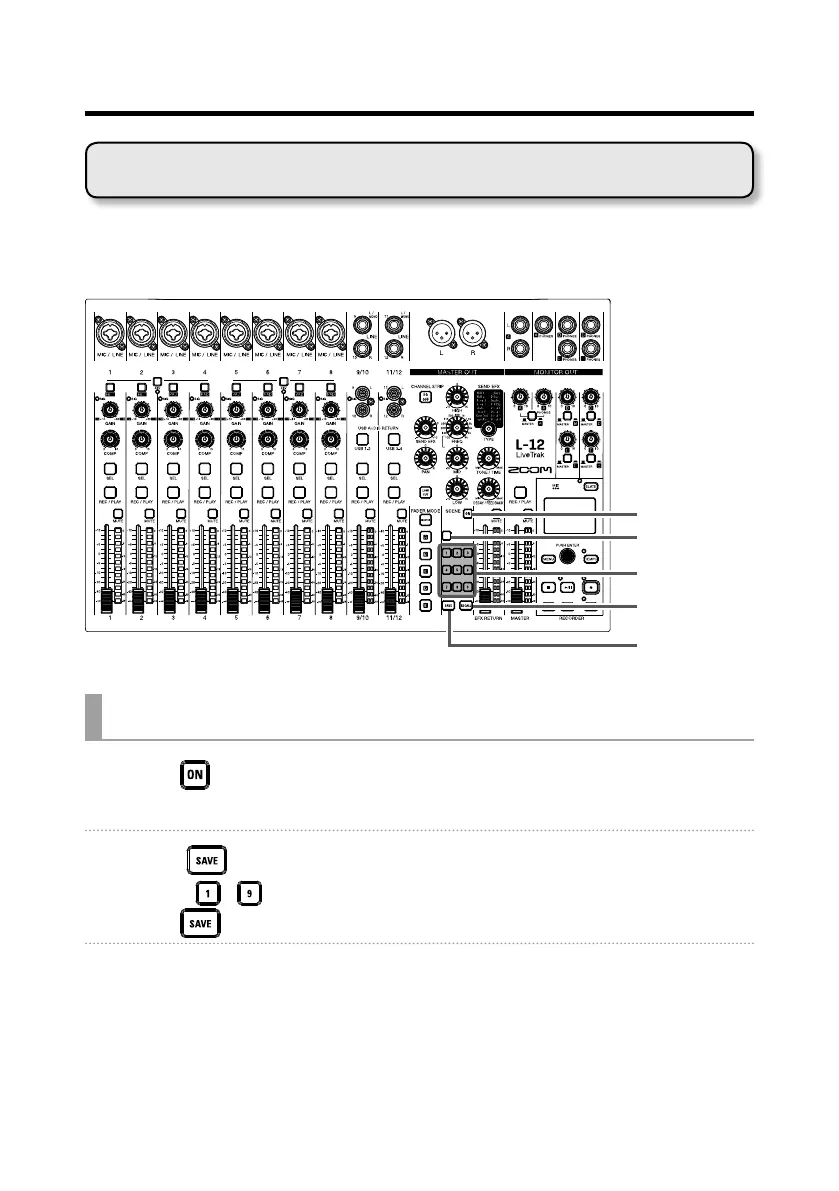
The scene function can be used to save up to nine sets of current mixer set-
tings as scenes and to recall these saved settings at any time.
ON button
RESET button
1–9 buttons
Saving scenes
1. Click so that it lights.
This enables the scene function.
2. Press .
Buttons – will blink if they have saved scenes and be unlit if they do not.
Press
again if you do not want to save a scene.
3. Press the button where you want to save the scene.
Using scene functions



 To Next Page