44
Recording and playback
Capturing audio before recording starts
The input signal can be captured for up to 2 seconds before recording is start-
ed (pre-recording). Setting this in advance can be useful when a performance
starts suddenly, for example.
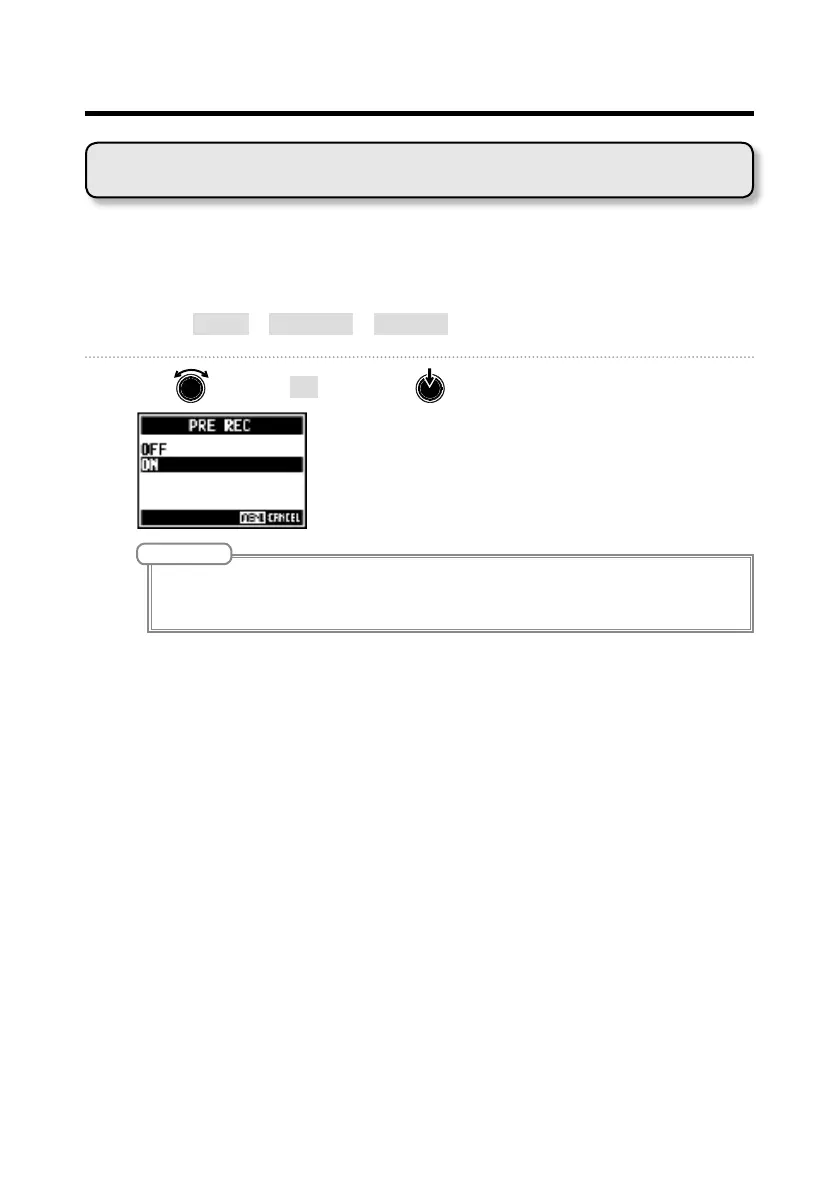
1. Select MENU > REC/PLAY > PRE REC.
2. Use to select ON, and press .
NOTE
• This function cannot be used with the AUTO REC, METRONOME, PRE COUNT or OVER DUB functions.
When you turn AUTO REC or PRE COUNT on, PRE REC will be disabled.
• The PRE REC function continues to be enabled even when recording is paused.



 To Next Page