45
Recording and playback
Selecting the folder where projects are saved
Choose one of ten folders as the folder where recorded projects will be saved.
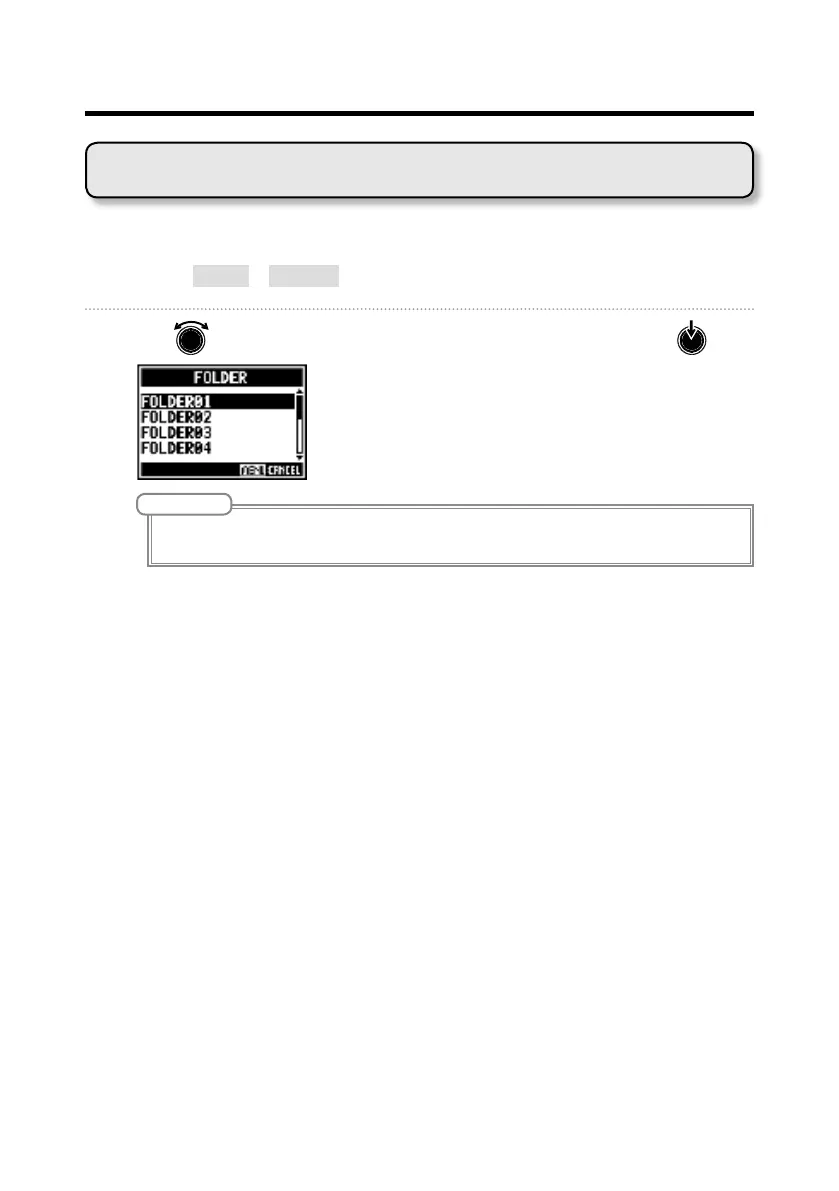
1. Select MENU > FOLDER.
2. Use to select the folder where you want to save, and press .
NOTE
• Up to 1000 projects can be saved in a single folder.
• If a folder that does not have a project is selected, a new project will be created automatically.



 To Next Page